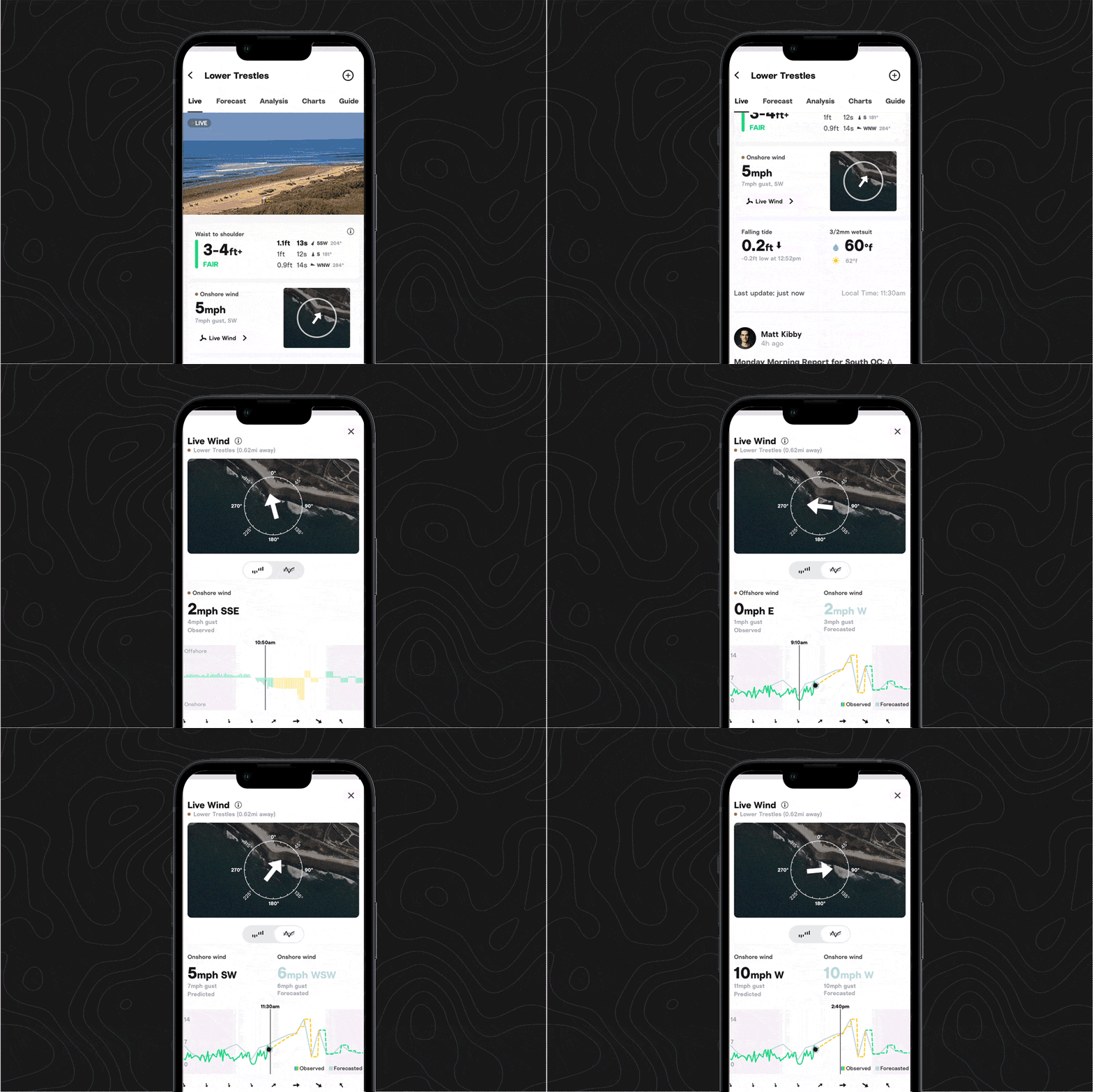
.png)
.png)
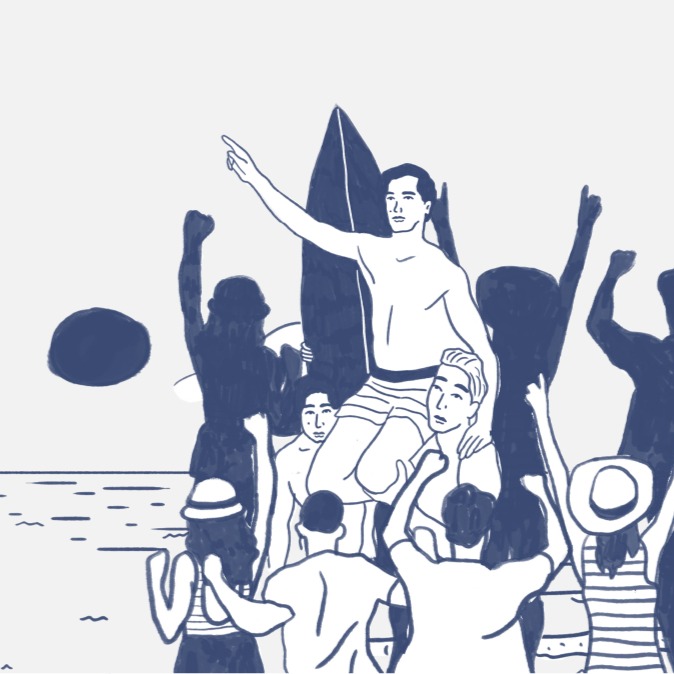
Surf etiquette, simplified
“That’s The Way” offers clear tactics for newbies and seasoned surfers alike to be good neighbors in the lineup.
Add two friends or family members to your Premium+ account
Give your fellow surfers the opportunity to enjoy Smart Cam features—share your Premium+ benefits by adding up to two surf buddies to your account, at no extra cost.
To get started with sharing your benefits, visit your Account section.
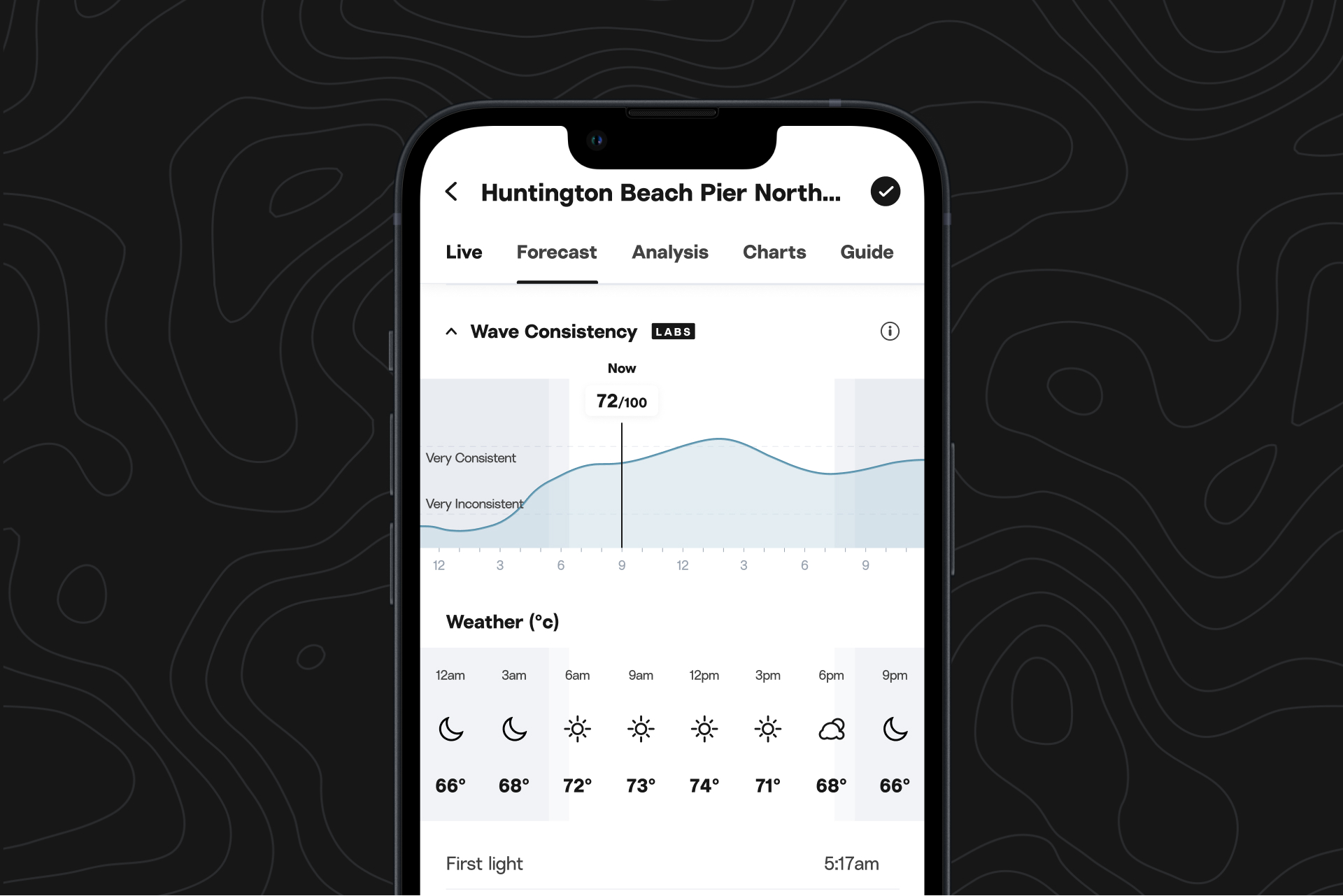
More forecast model inputs
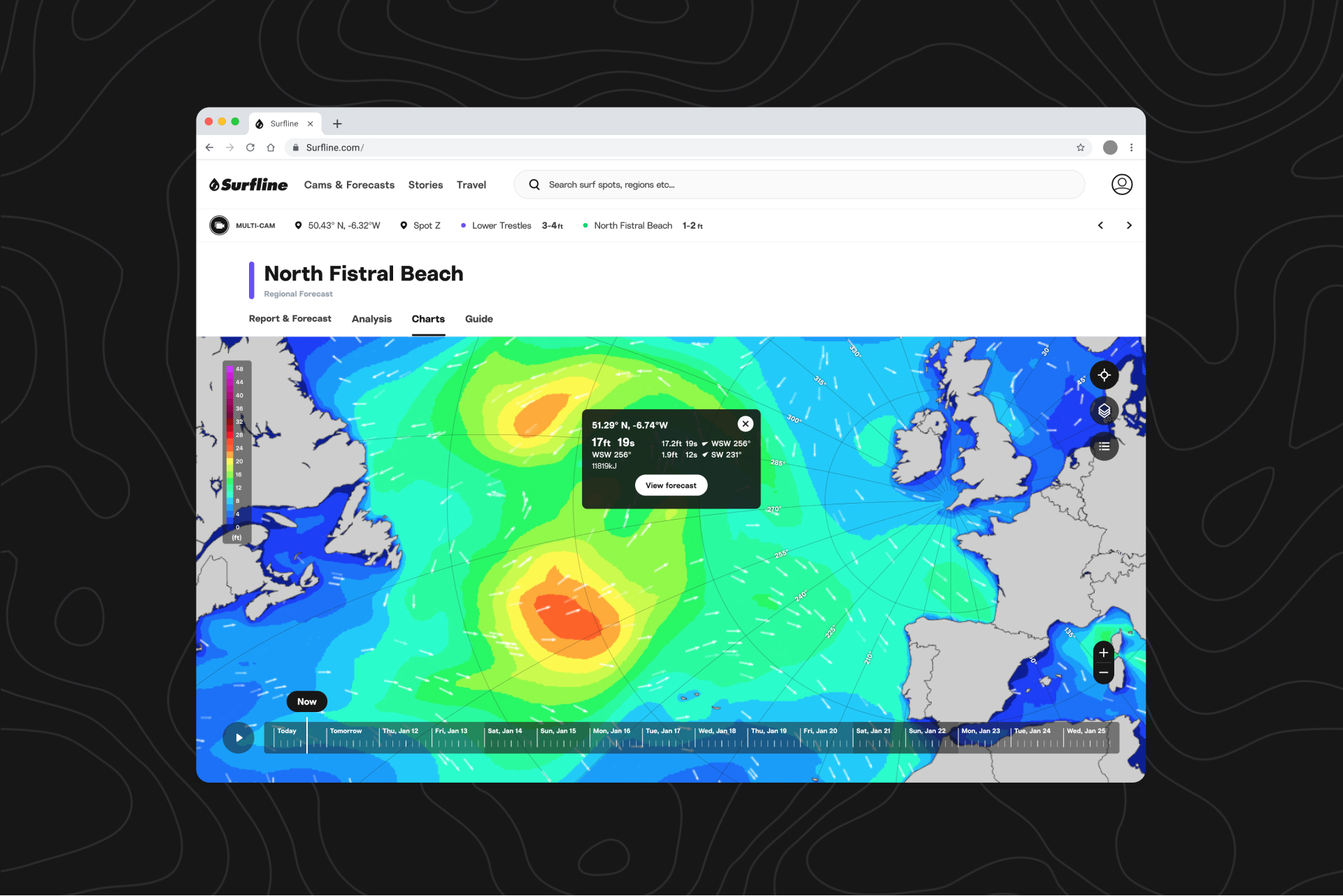
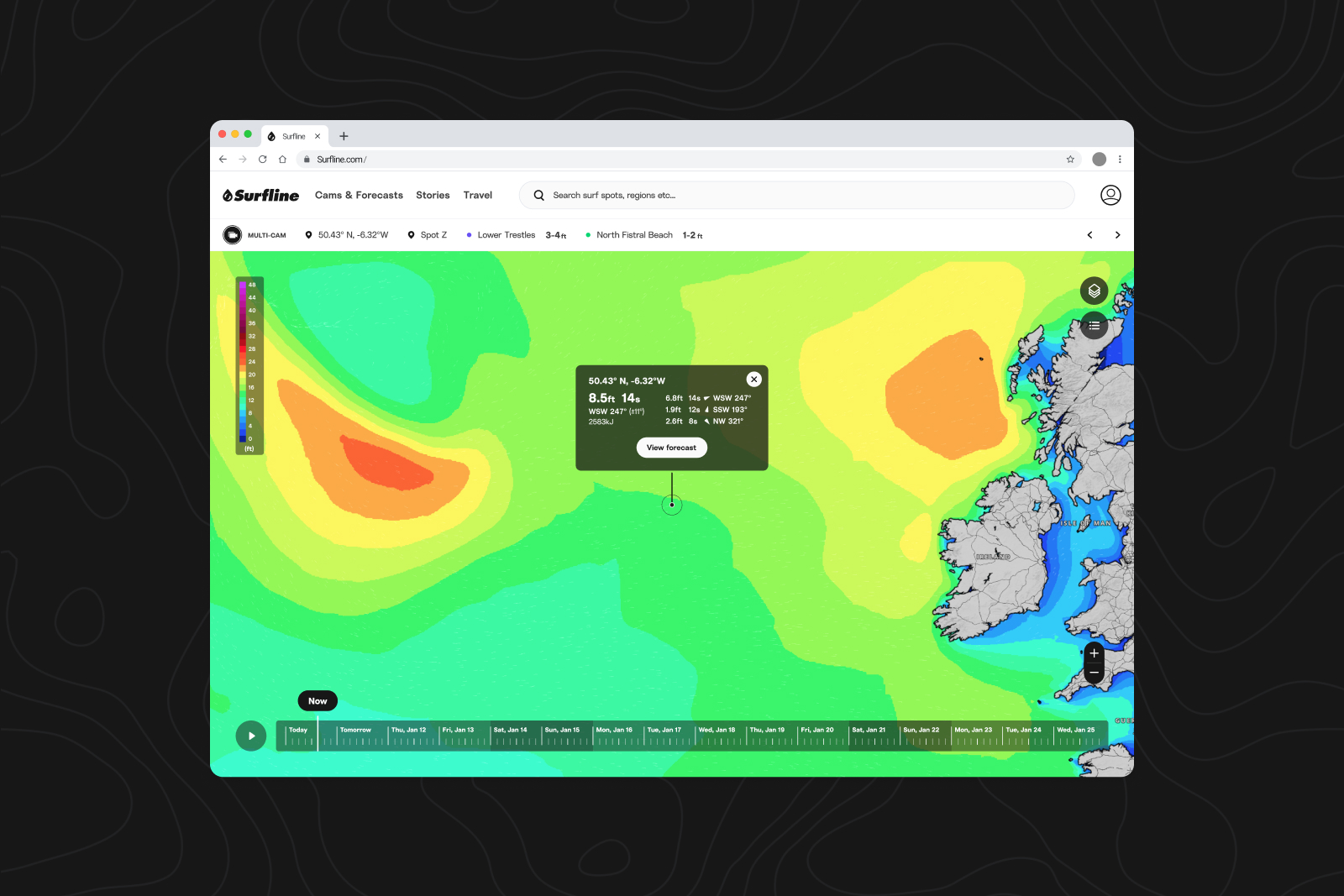
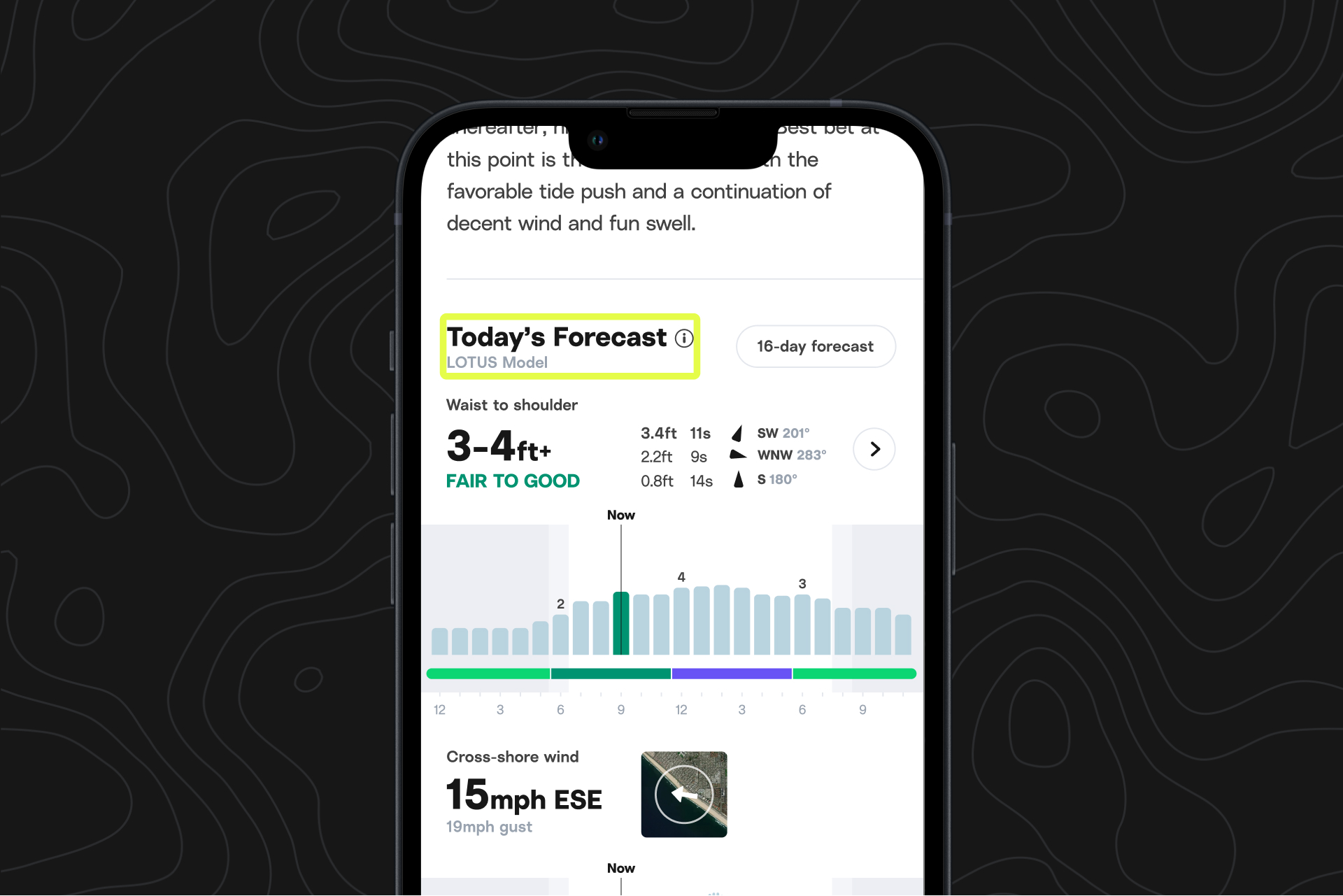
As part of our continuous goal of improving our forecast model, LOTUS, we are increasing the ways we collect and input data from satellites and buoys, as well as new wind models.
iOS Lock Screen tide widget
A follow-up from last month's release, you can now check the tide without unlocking your phone.
Install the Lock Screen widget by pressing and holding down your Lock Screen photo, then tapping on customize.
What's next?
We’re working hard on a revamp for the Sessions app on Apple Watch. Enjoy improved stability, an updated look, and usability enhancements like Digital Crown for ending Sessions.
Android updates
Use Clips to find and save your waves.
Find the “Clip” button with the scissors icon just below the cam player on the right side of your screen to get started.
Pinpoint where you want your clip to begin, then trim it down to your preferred length, download, and share.
Pinch to zoom on all cams
Now you can zoom in to see spots or surfers more clearly, focus on the peak, or figure out exactly what sort of aquatic creature just breached out the back.