.png)
.png)


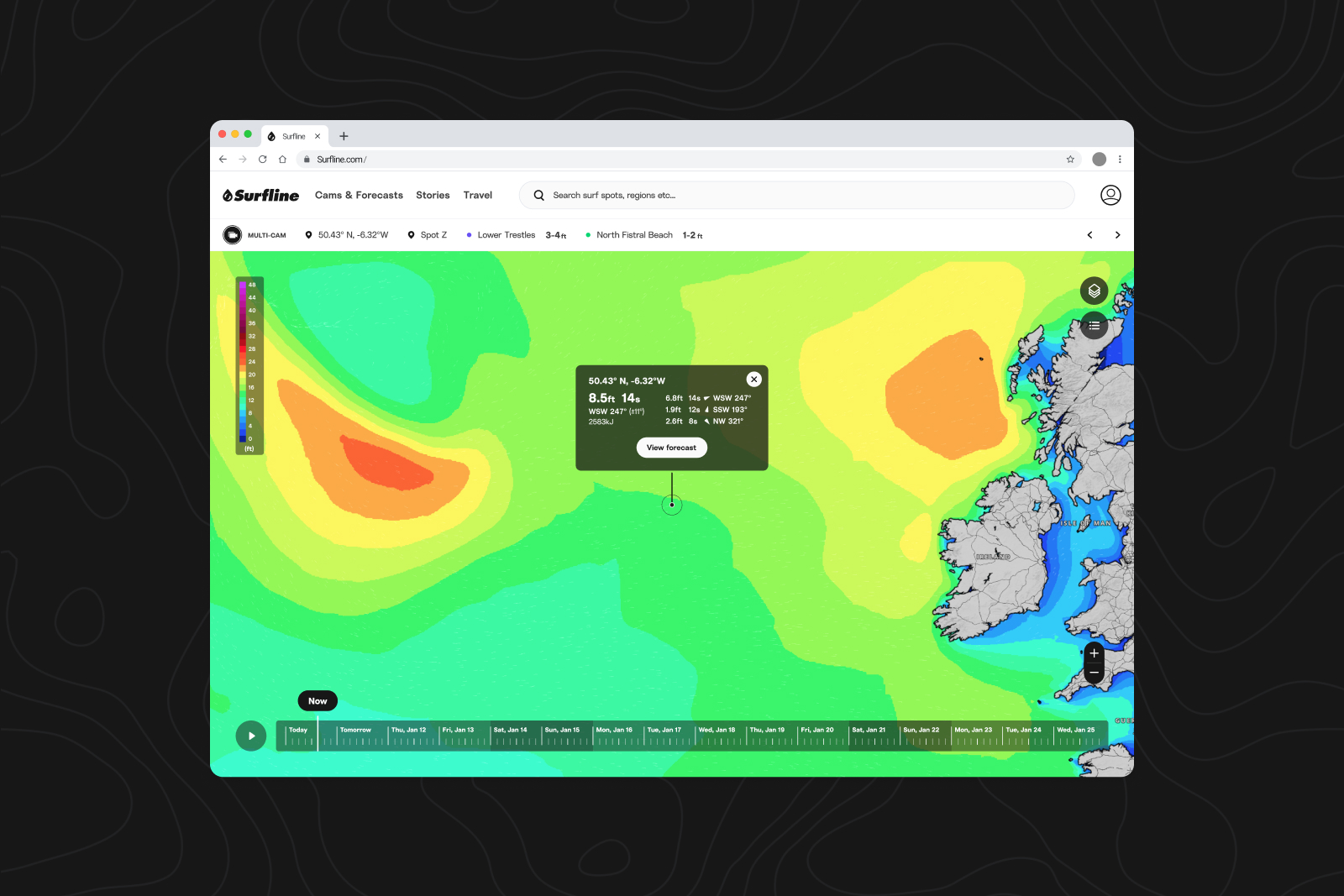
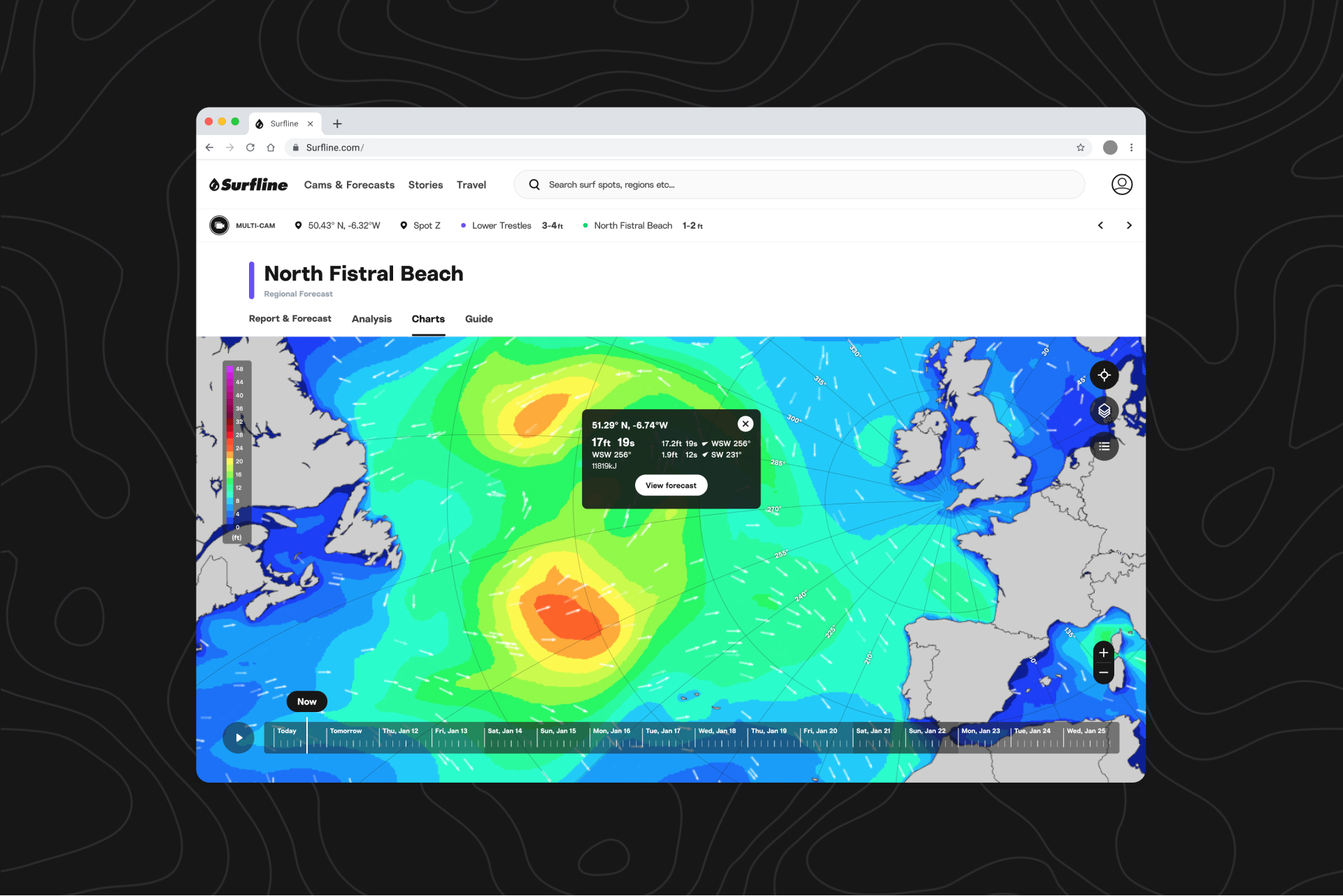
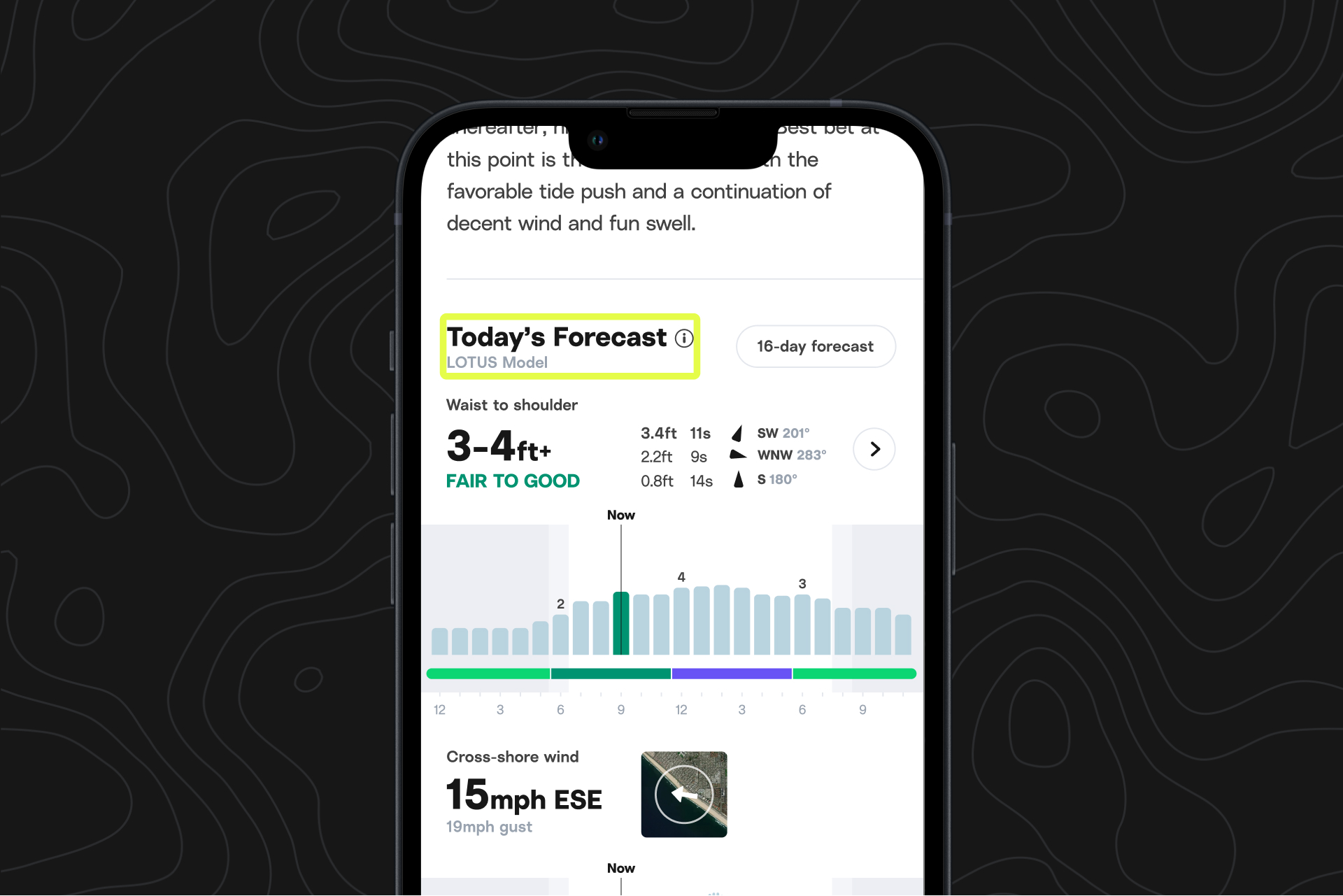
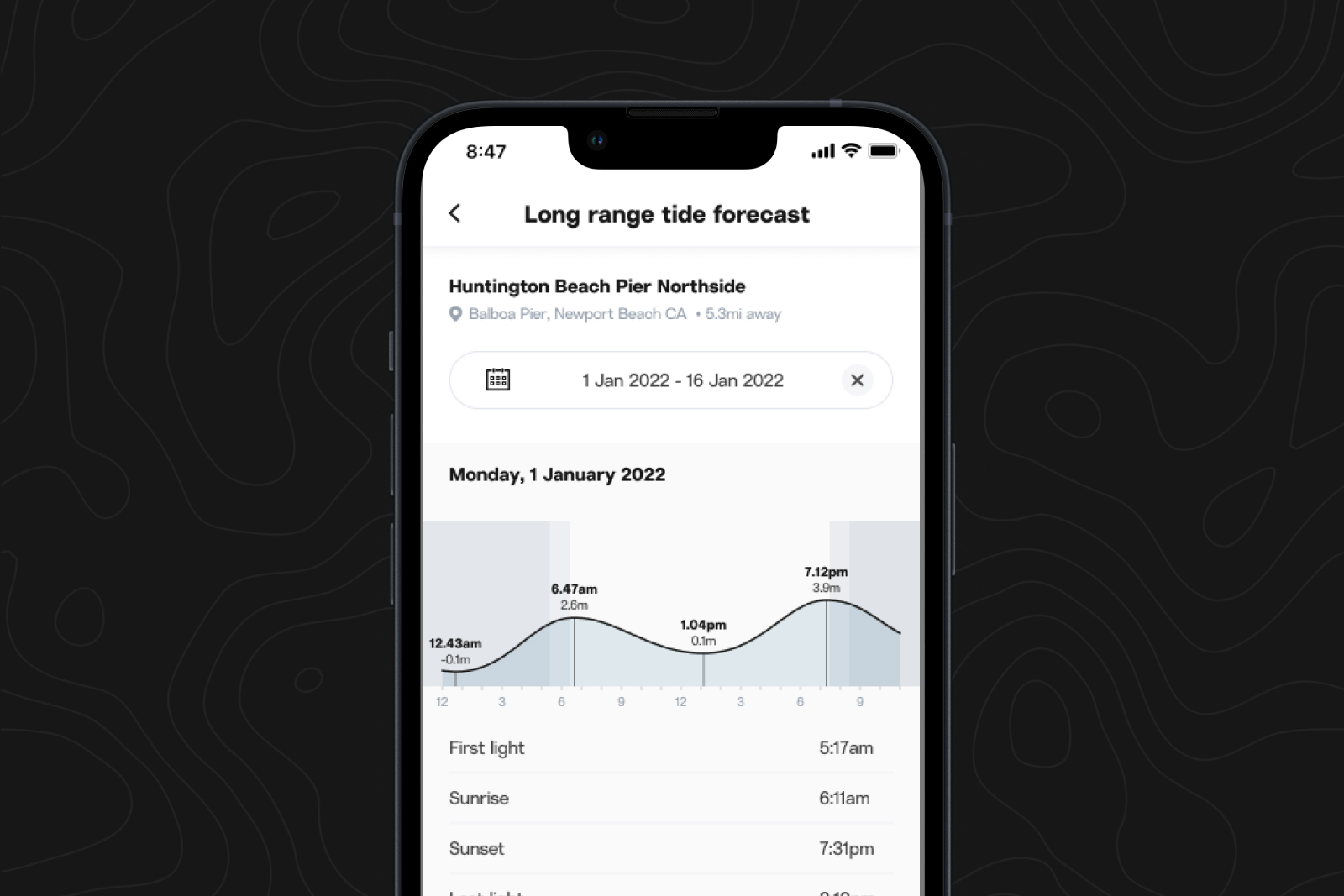
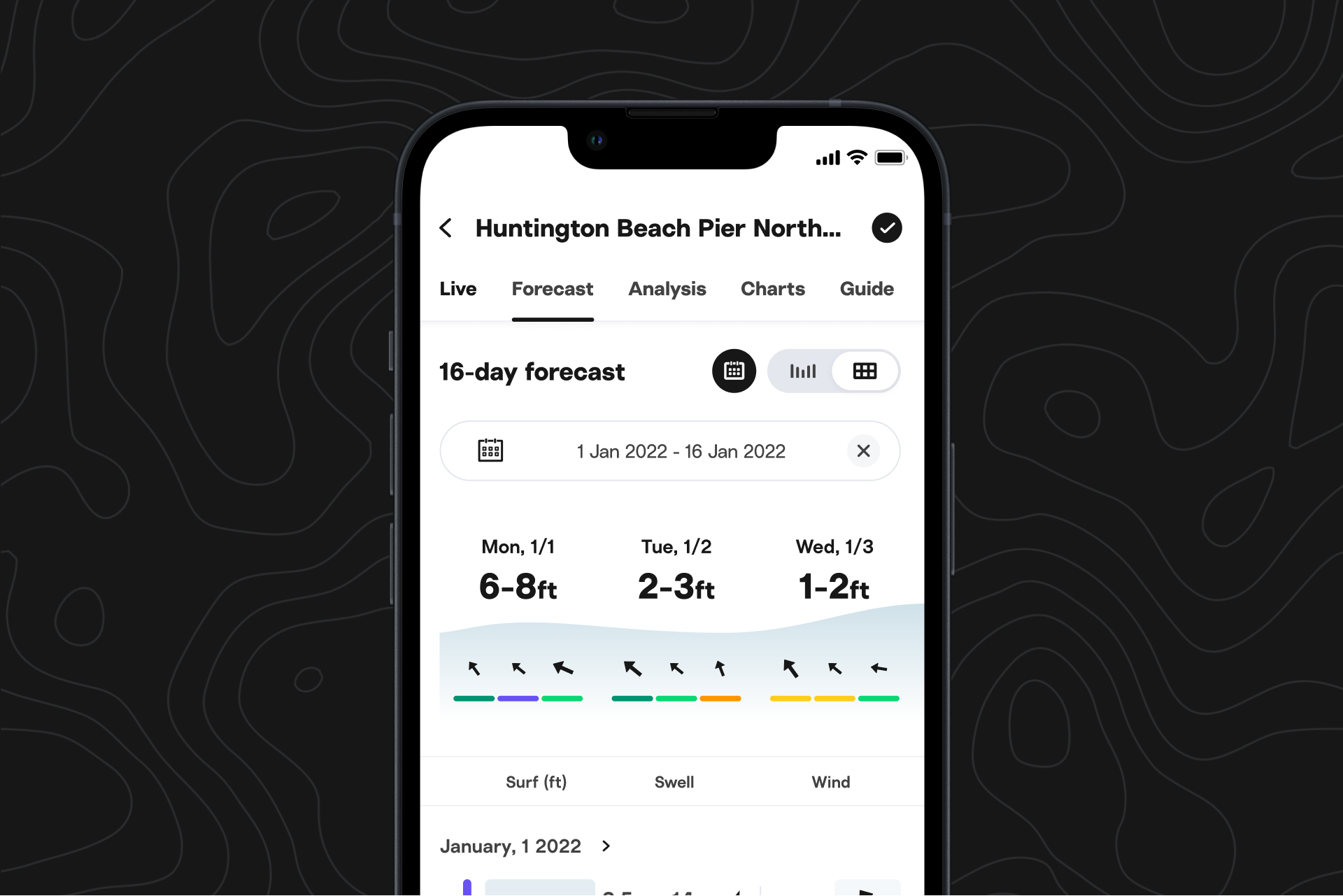
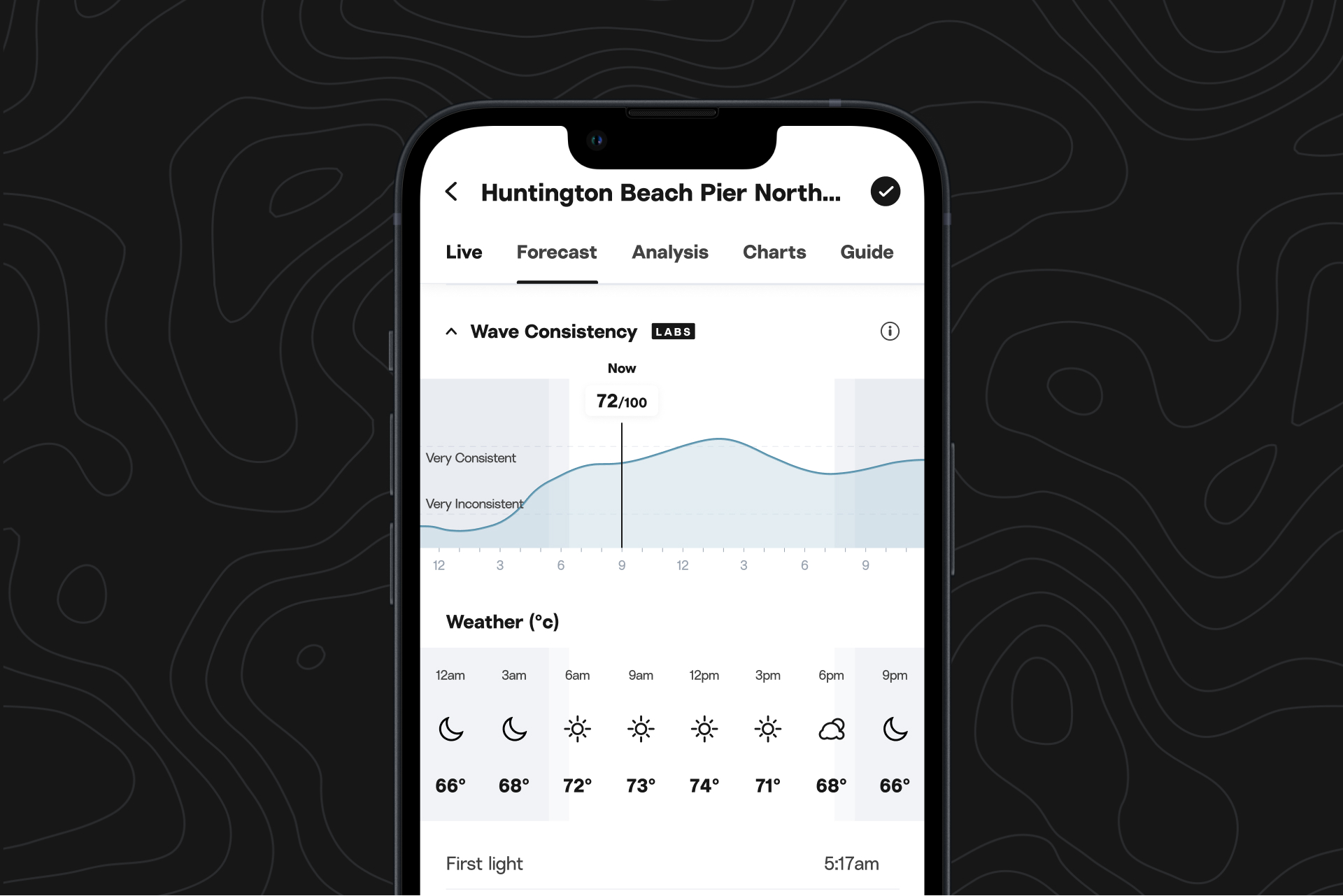
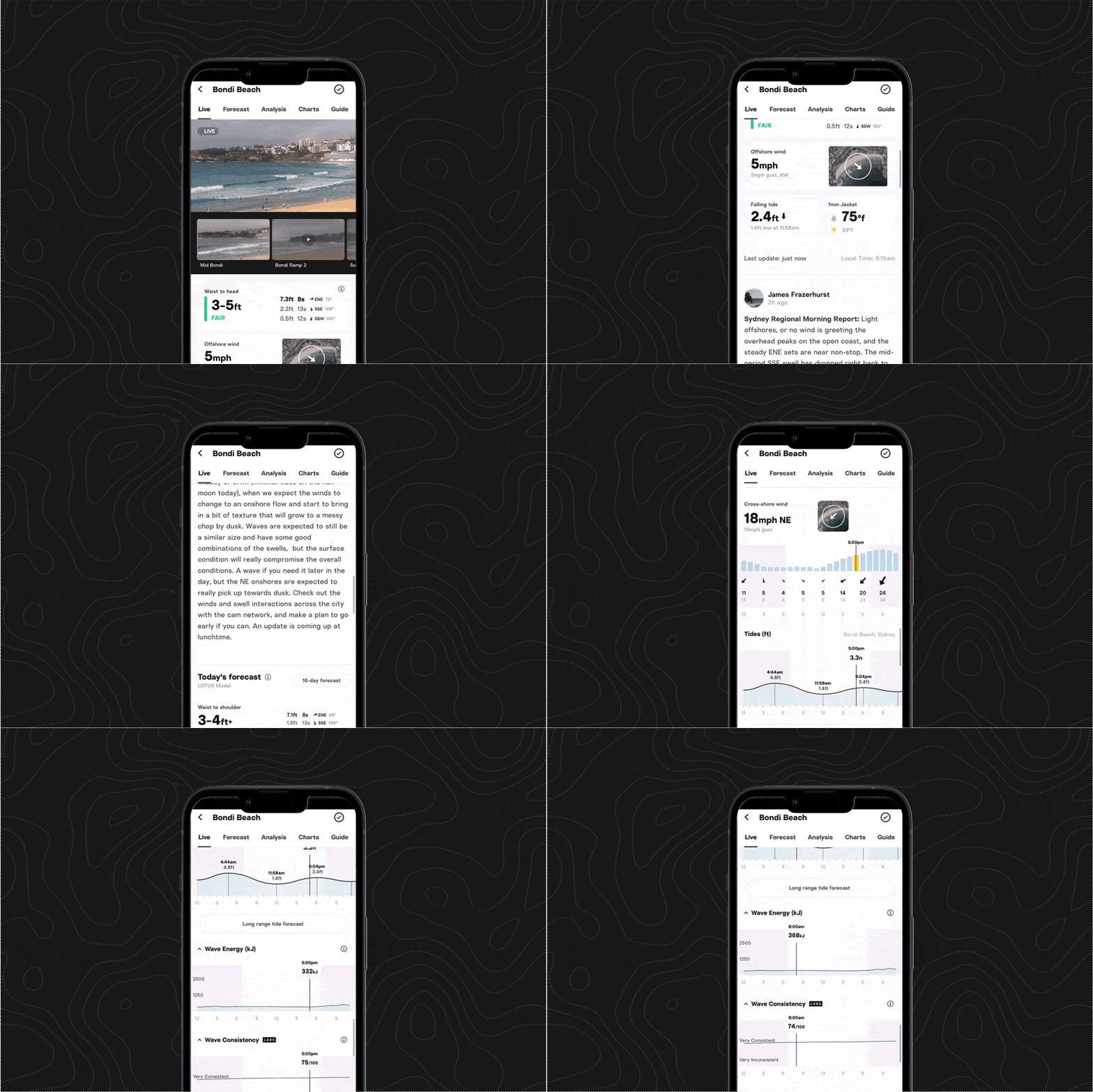
We pride ourselves on our forecast and cam coverage, but for some of you out there, your preferred spots can only be found off the grid or offshore. That’s why we’ve introduced custom forecasts, which allow you to pick any point on the map and get a 16-day swell, wind, and wave energy forecast.
If you are a Premium member, can try out custom forecasts on web by clicking here.
How should I use it?
On web, go to “Cams & Forecasts” and then “Charts,” and navigate to whatever off-the-beaten-path beach or offshore spot you’re planning to surf.
You’ll see a tooltip pop up; when you drag it and click down, current conditions will pop up, and you can click “View forecast” to get the 16-day outlook.
You can save your favorite points for quick checks—just go to your forecast outlook (click “View all” when looking at your Favorites) and they’ll appear under “Custom forecast.” And before you worry about blowing up the secret spot: this custom forecast will only be visible to you, unless you decide to share it with a trusted friend.
Inside tip: if the geographic coordinates for the custom forecast you’ve saved aren’t exactly where you want them to be, you can edit them by clicking on “Edit spot” in the upper right corner.
Is this useful for spots Surfline already covers?
This feature is most helpful for any spot that doesn’t already have a Surfline forecast. If you are interested in a geographic point that happens to also be a Surfline-covered spot, you’re better off getting juicier details and the outlook from our team by looking at that spot’s Surfline forecast.