.png)
.png)
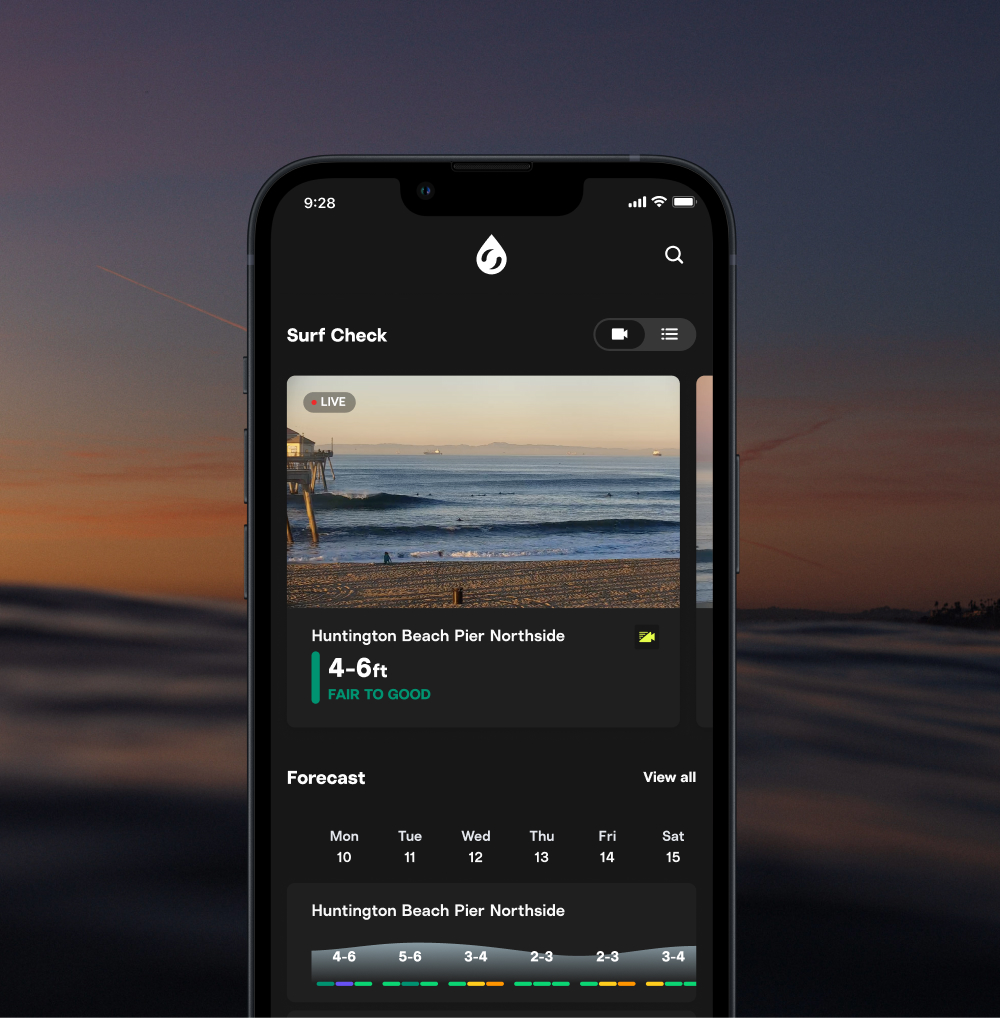
Dark mode is finally here.
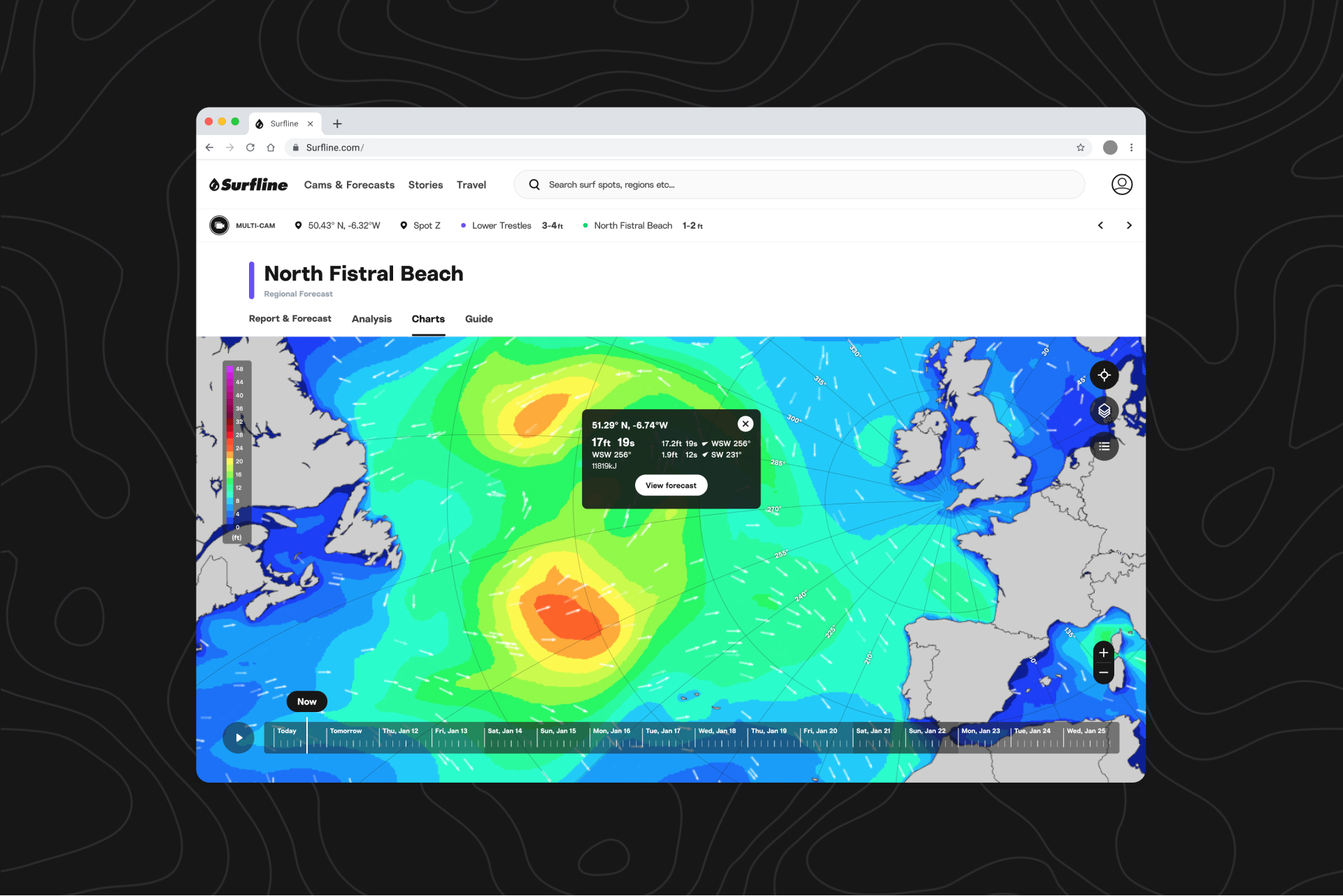
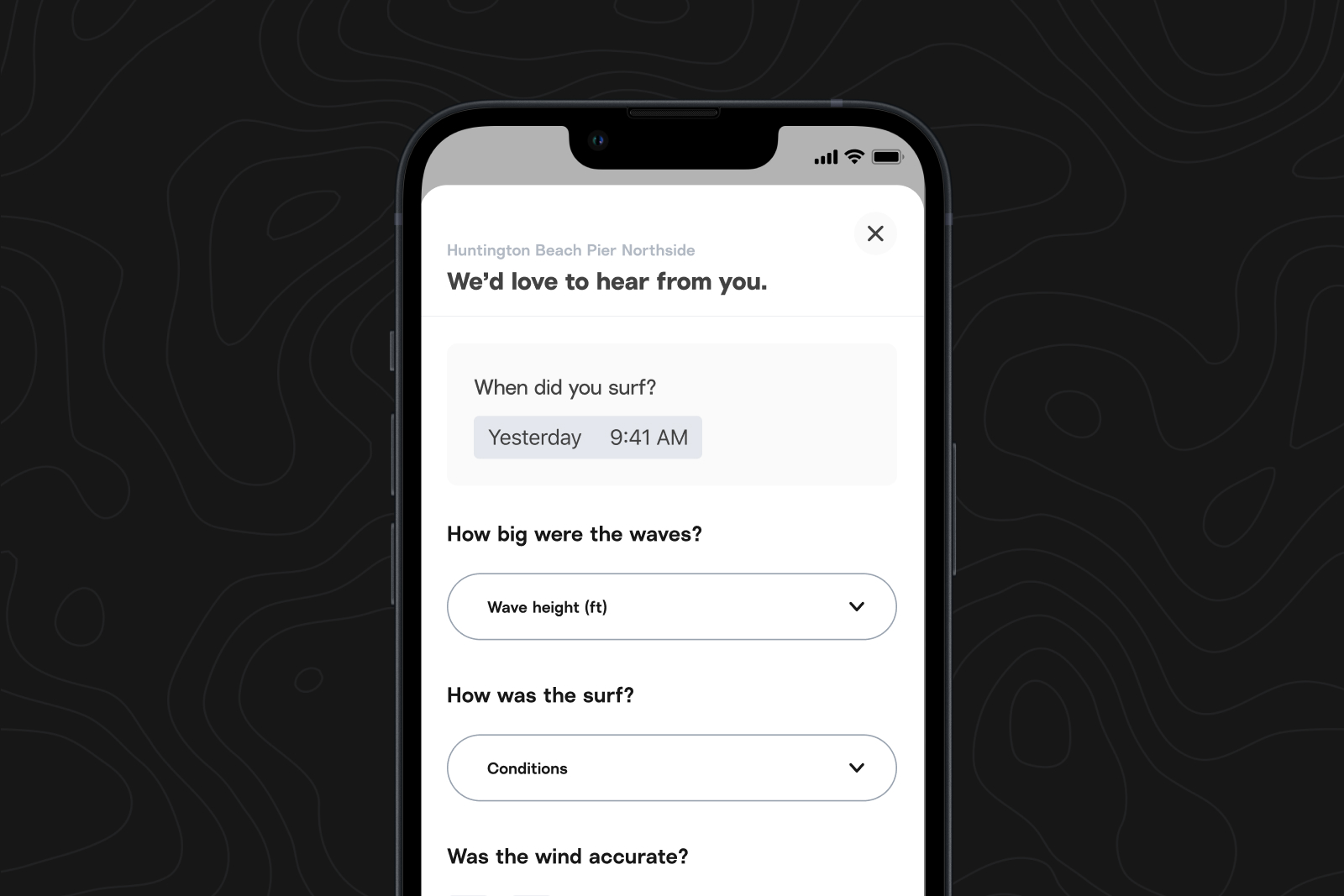
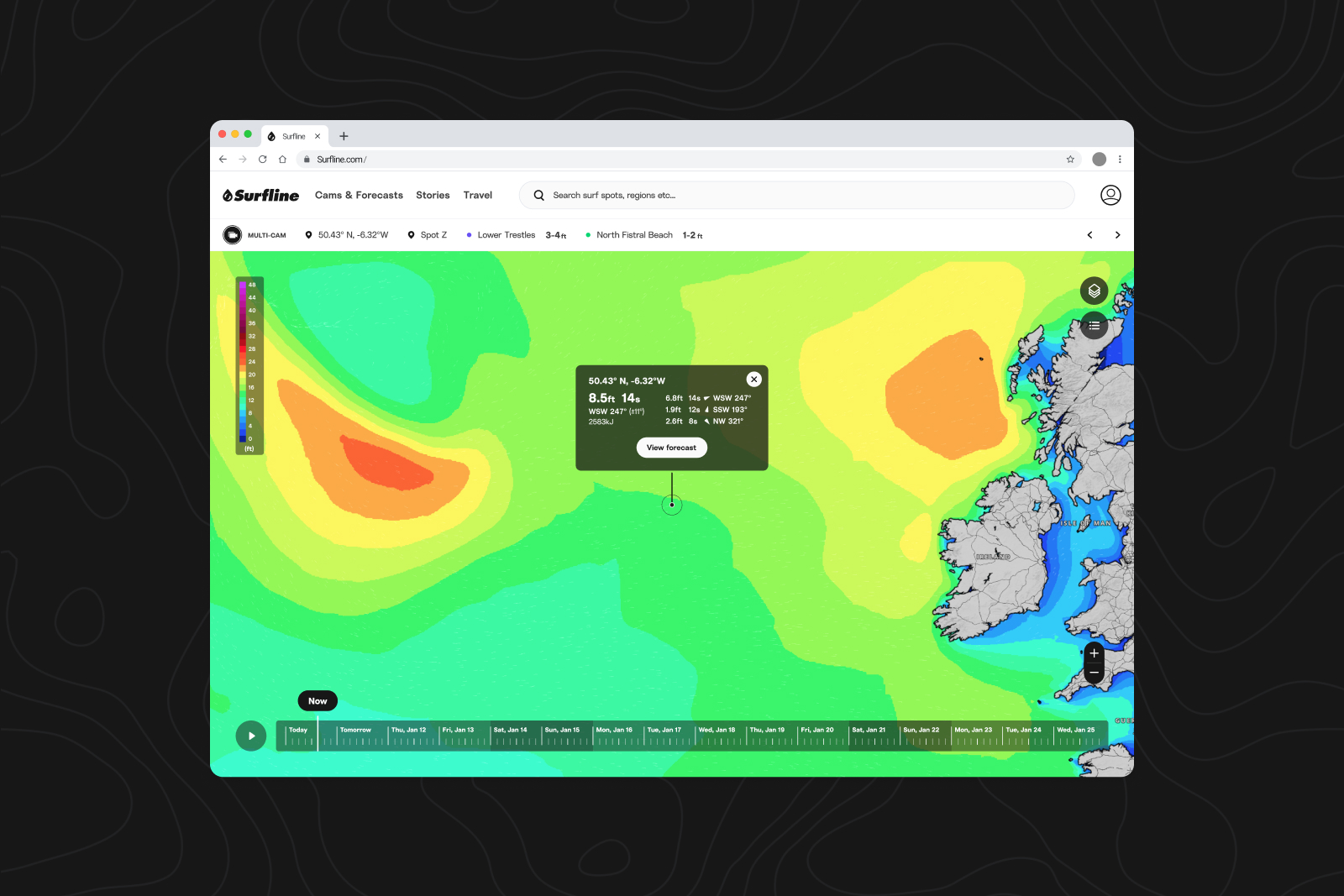
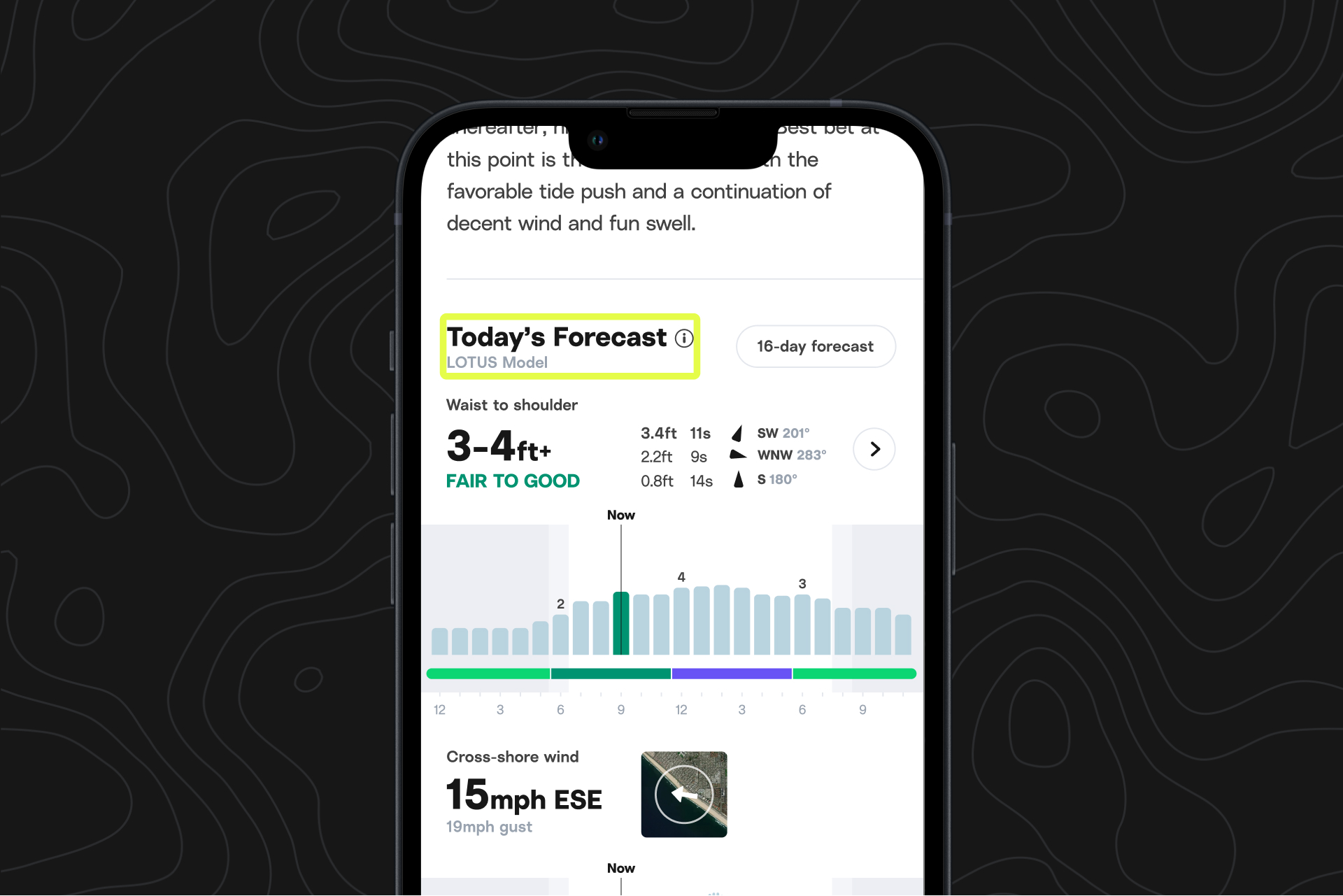
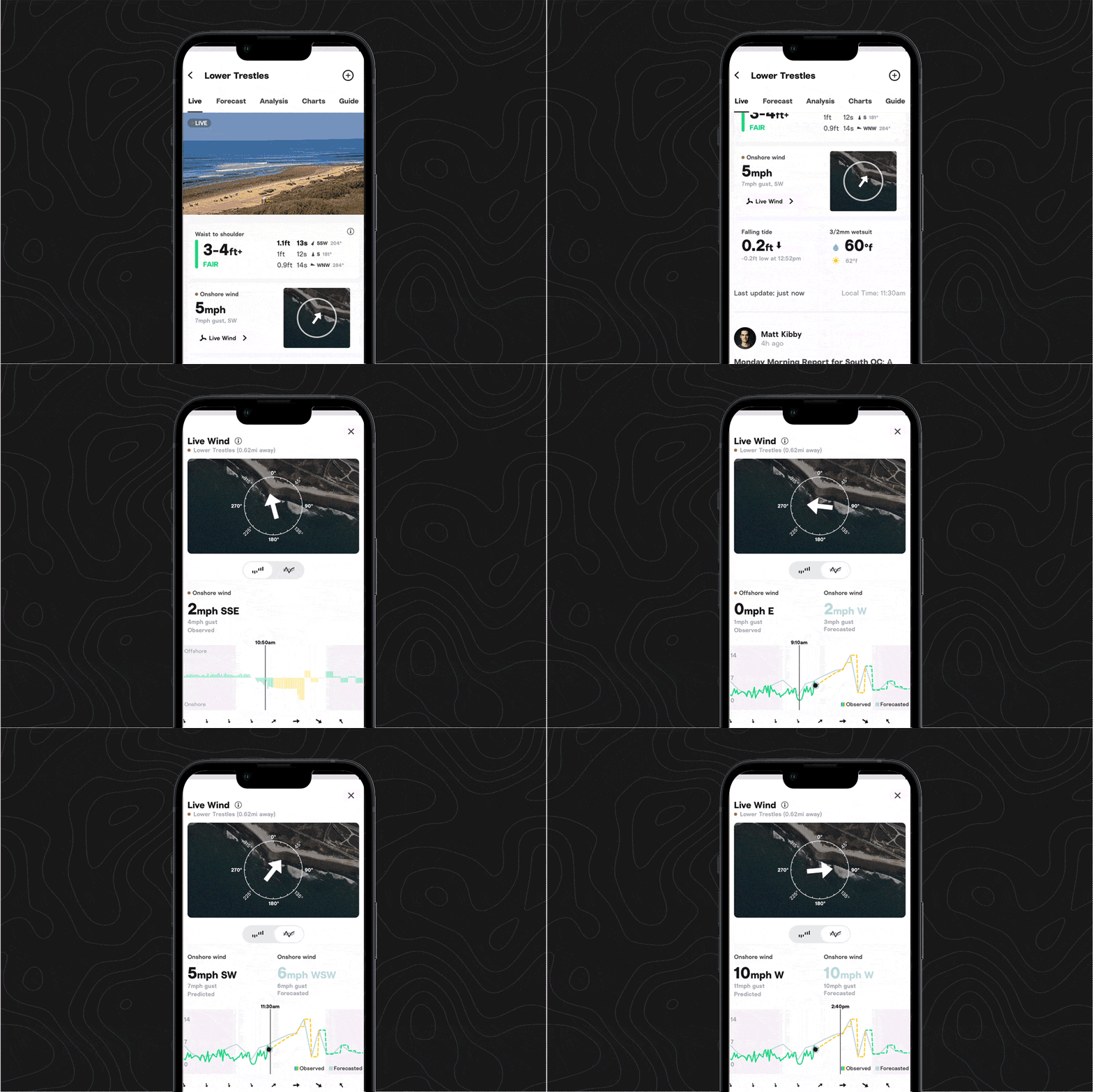
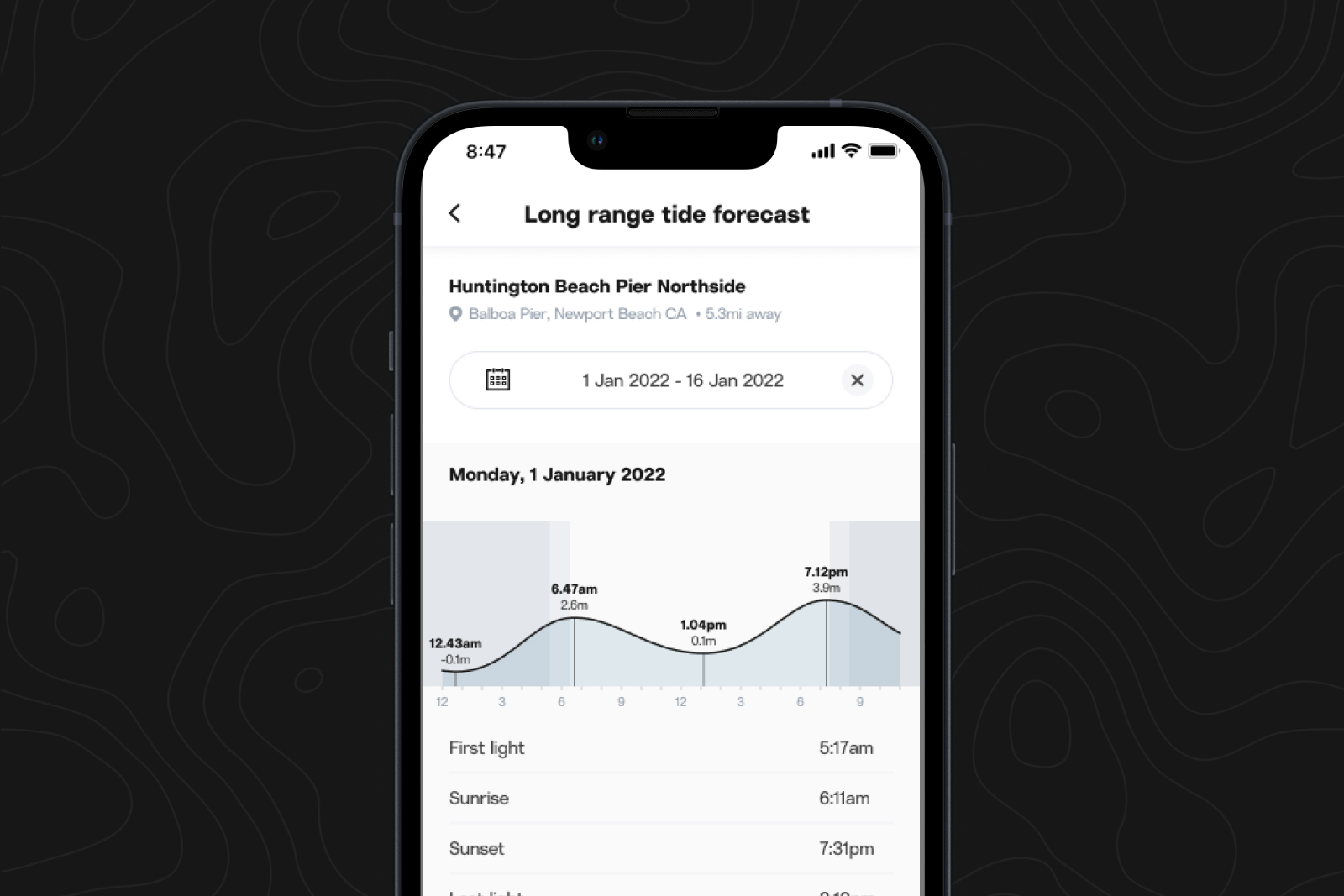
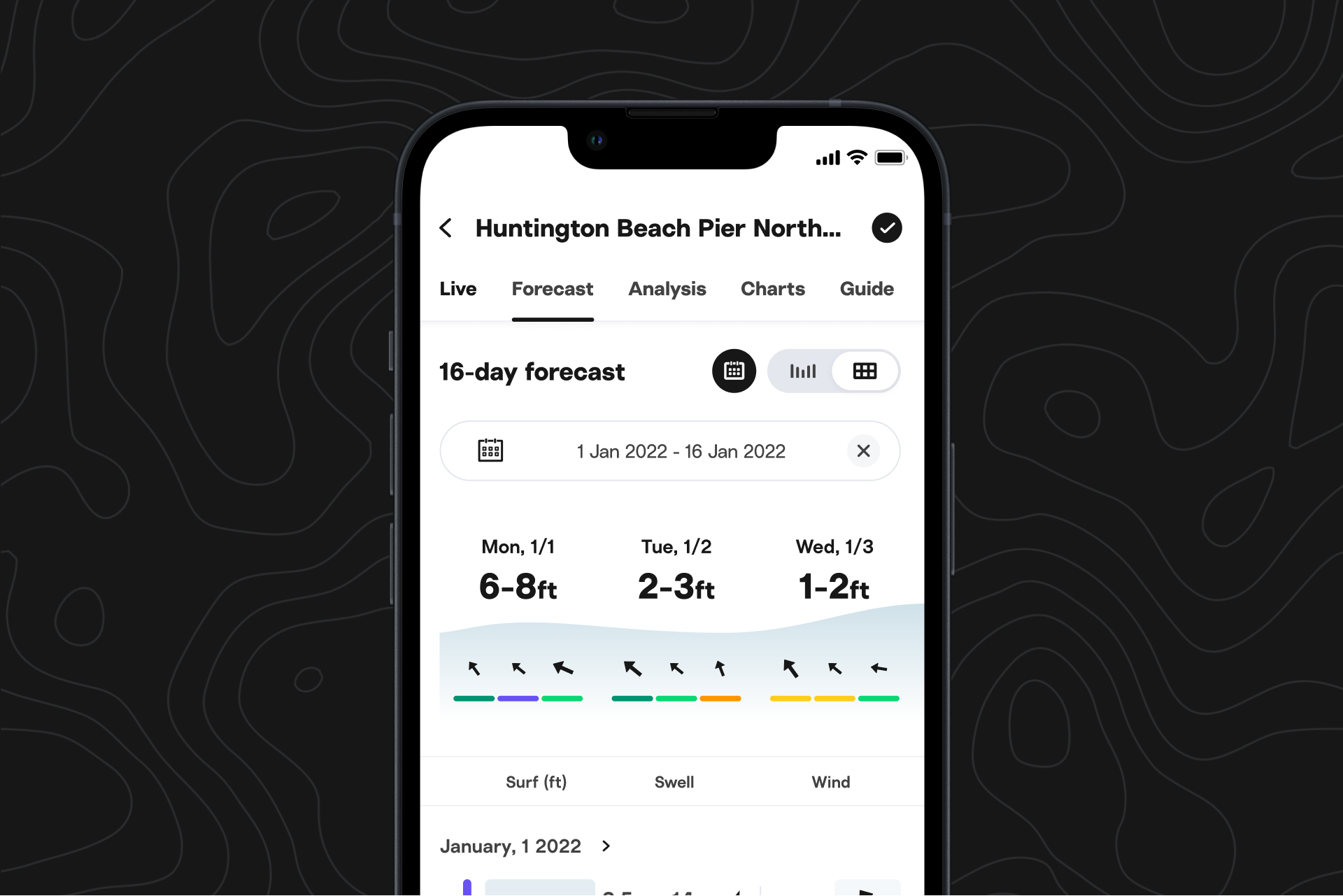
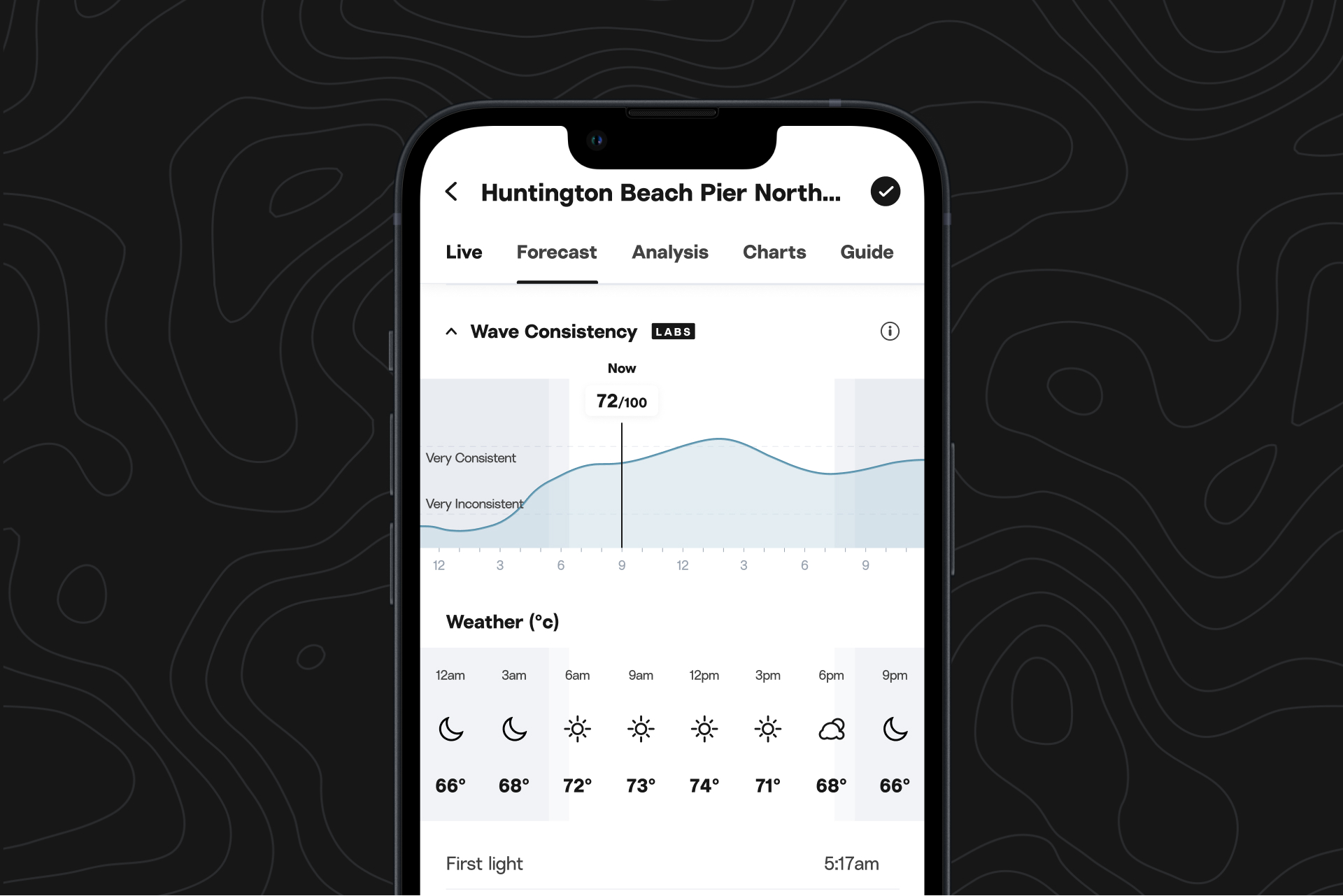
We’ve seen all your passionate requests and have finally brought dark mode to iOS. Head to Account, then scroll to Theme >> Appearance to toggle between dark mode and light mode.
Come to the dark side.
In honor of the launch of dark mode on iOS, we’d love to share some of the many, many passionate pleas from both Surfline members and our internal team:
...I’m opening this app up at all times of the night only to melt my eyes and wake up all the sleeping kids around me...
...the app is white therefore casting a beam hotter than the sun into your eyes...
...For the love of my eyeballs first thing in the morning...
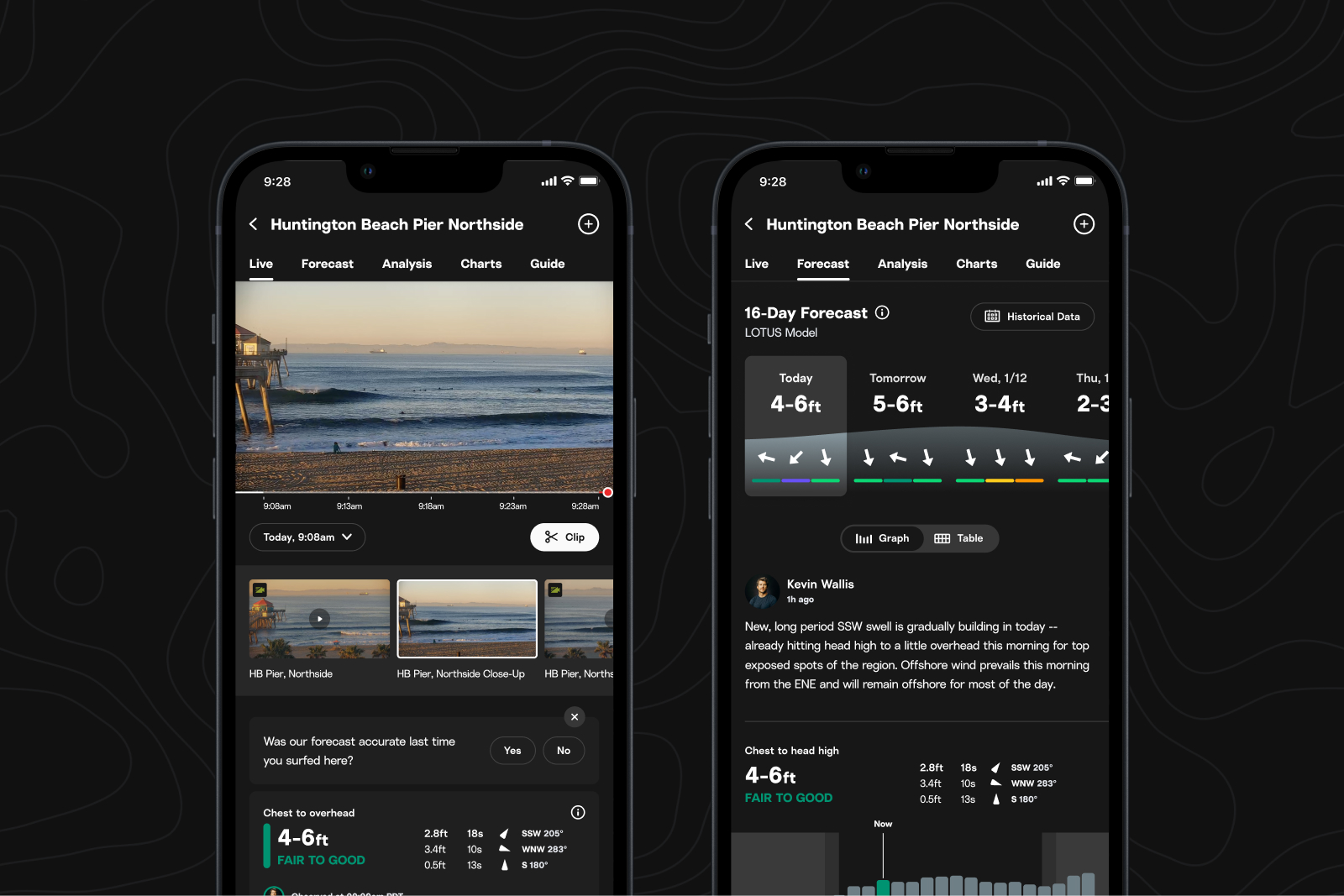
Check dawn patrol conditions from bed without waking your partner, give your tired eyes a rest, and enjoy the sleek and trendy look of a dark screen. To turn on dark mode on iOS, head to Account, then scroll to Theme >> Appearance to toggle between dark mode and light mode.
Crop and zoom your Clips.
The new Clips experience, available on iOS, builds on the Cam Rewind updates from June.
Crop, zoom, share.
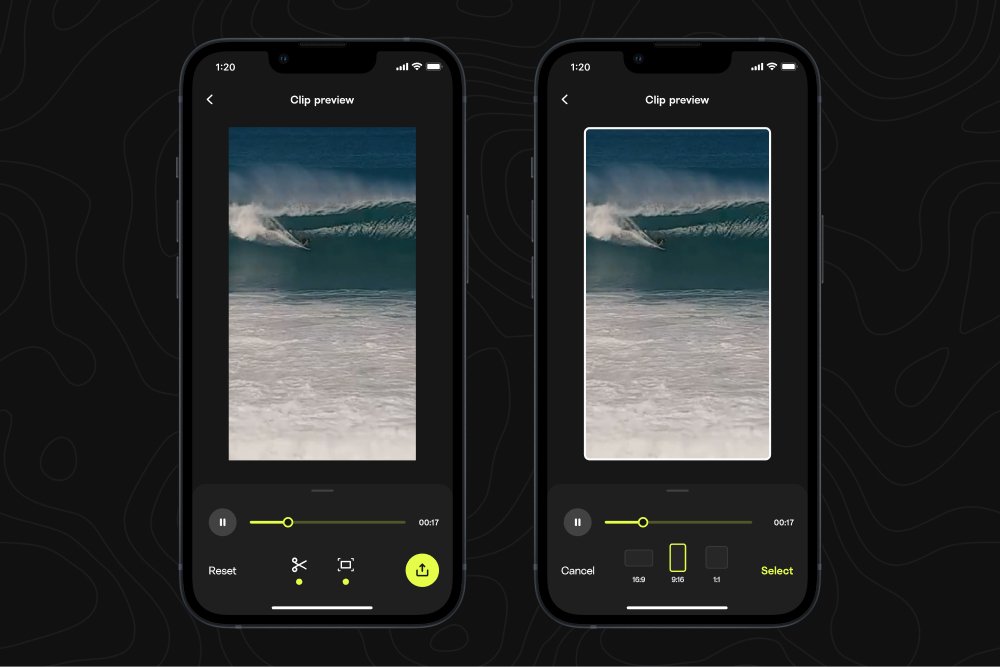
You no longer need to employ a professional video editor (or your tech savvy friends) to customize your Cam Rewind clips. You can now crop and zoom your Clips directly in your iOS app.
Along with the trim and preview features we added to iOS and web back in June, you’re basically a surf filmmaker now—watch out Taylor Steele.
Android updates
Get access to Wave Timeline, Wave Distribution, and Crowd at all Smart Cam spots. Plus, while our team works to bring Smart Clips to Android, you can enjoy this Premium+ feature on web. Learn more about our new Premium+ membership here, currently available in the US.
.jpeg)