.png)
.png)

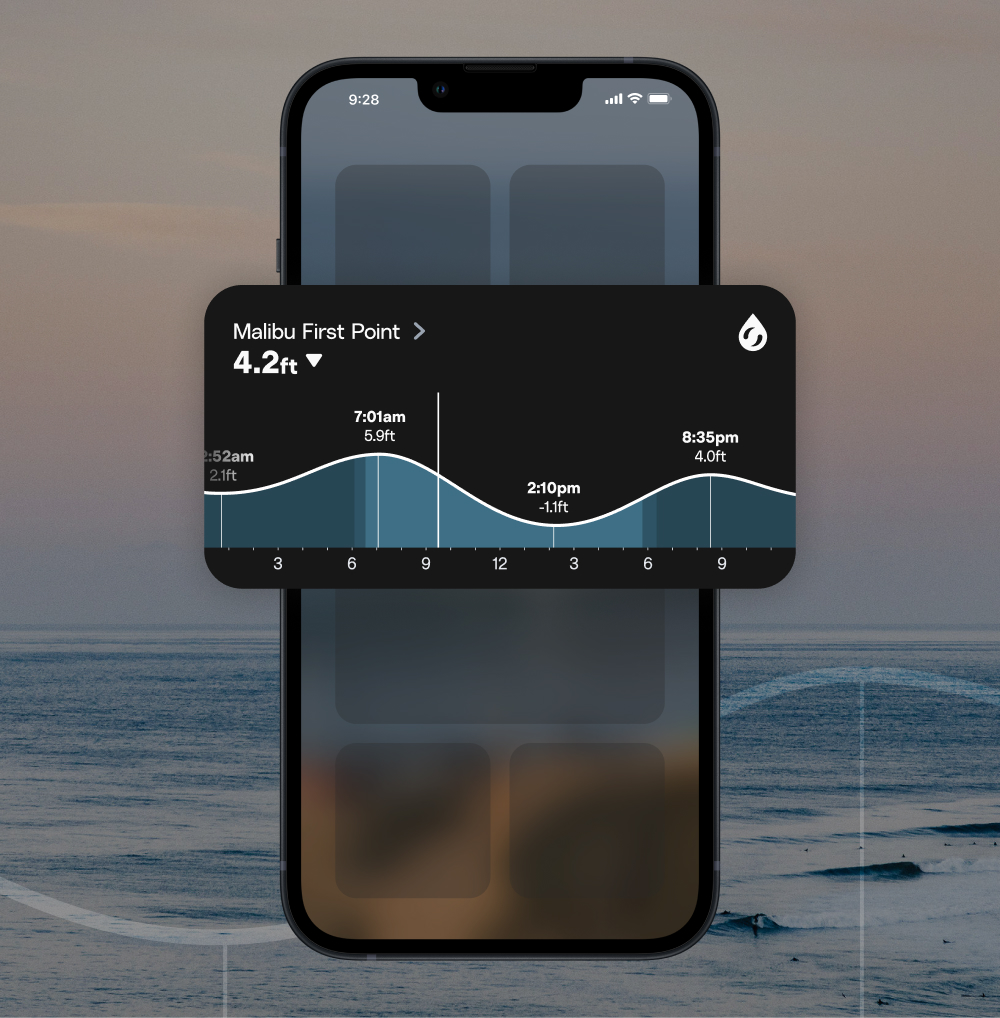
We all know that tide plays a major role in our surf decisions. The swell and wind could be perfectly lined up, but if the tide is either too high or too low, your spot might not even be breaking.
This month’s update gets you info about the tide faster, with more context. Explore the new and updated features:
- A new iOS Home Screen widget
- A tidied-up tide snapshot
- Tide calendar
Tide data at the blink of an eye
Introducing the iOS Home Screen tide widget
If you haven’t yet explored the world of Home Screen widgets, now is the time to start. We’ve created a tide chart iOS widget, so you can get the tide chart for a spot of your choice without even opening your app.
To add the widget:
- Hold down your app icon as if you were going to delete it or rearrange apps.
- When the app icons start shaking, tap “+” (or Edit) in the upper left corner of your Home Screen.
- Type Surfline in the “Search Widgets” bar.
- Select your preferred widget.
- Tap “Add Widget”
- Move it to wherever your heart desires on your Home Screen.
- Impress your friends with your Surfline widget—and check the tide at a glance.
More context, faster decisions
The tide snapshot has been upgraded
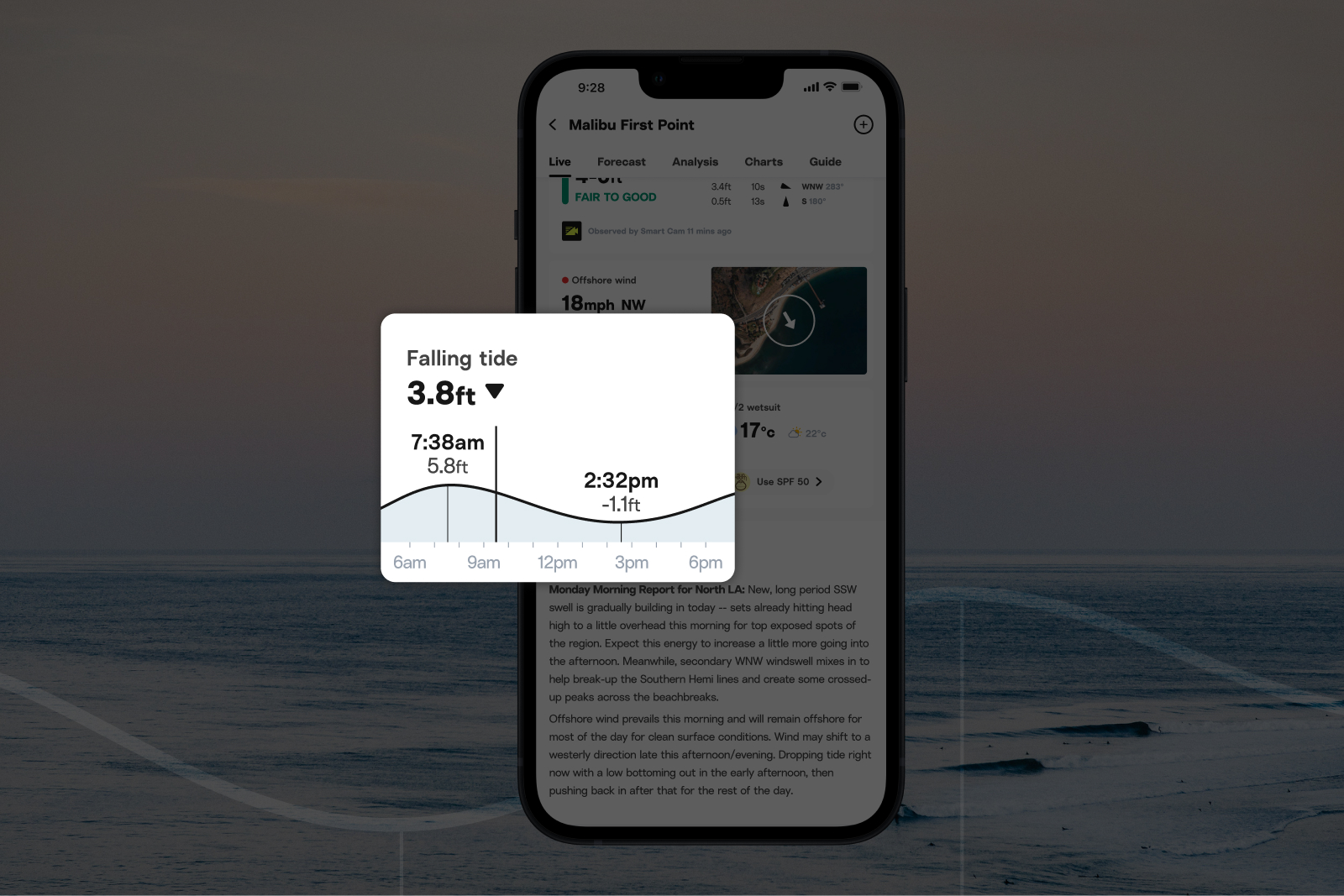
This gives a visual indicator of where the tide is at now, in context with its distance from the previous high or low, and the next high or low.
We’ve upgraded the tide snapshot at the top of the surf report, so you’ll see both a snippet of the tide chart, and time of the next high or low.
Plan even further ahead, or peek into past tides
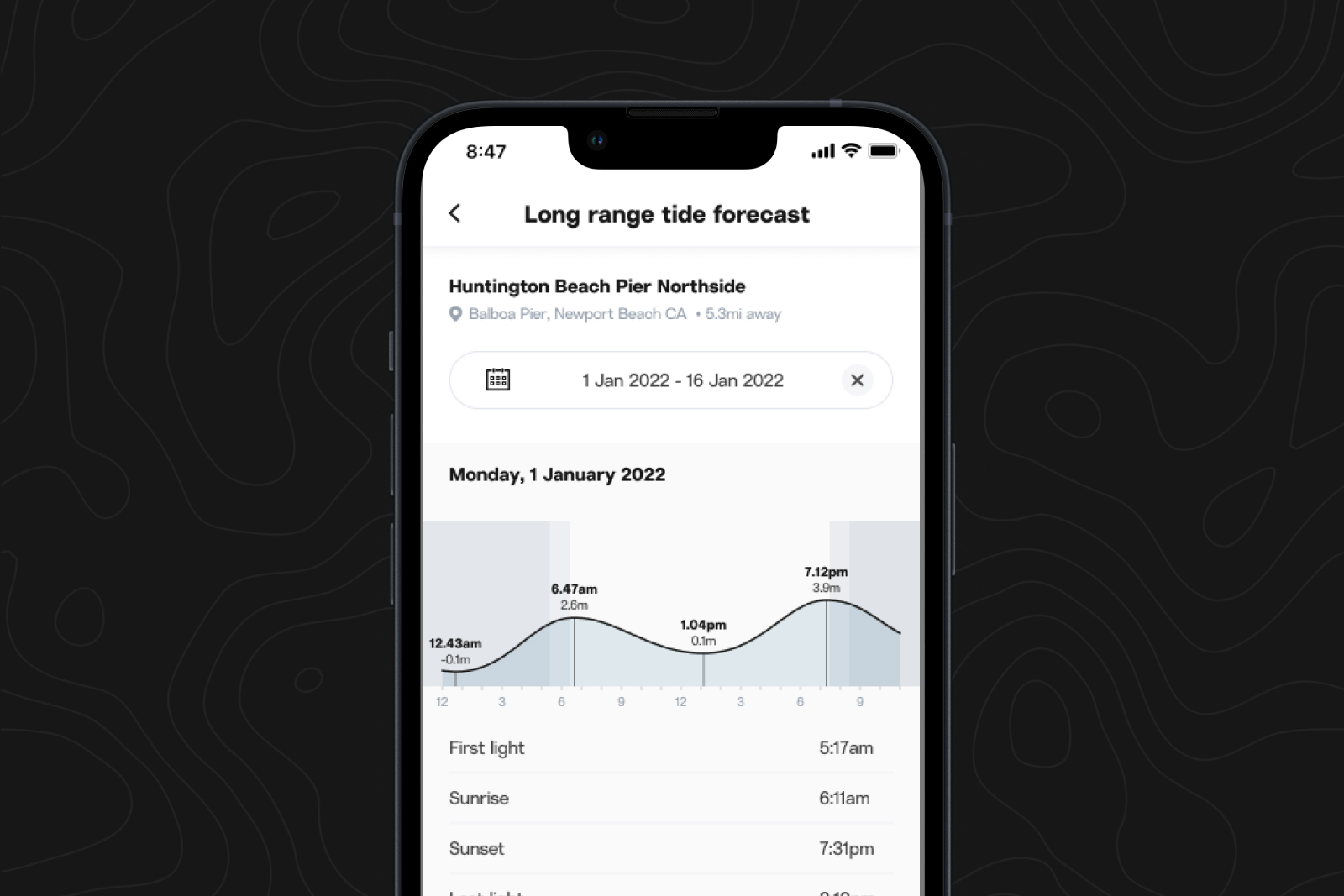
Check the tide calendar
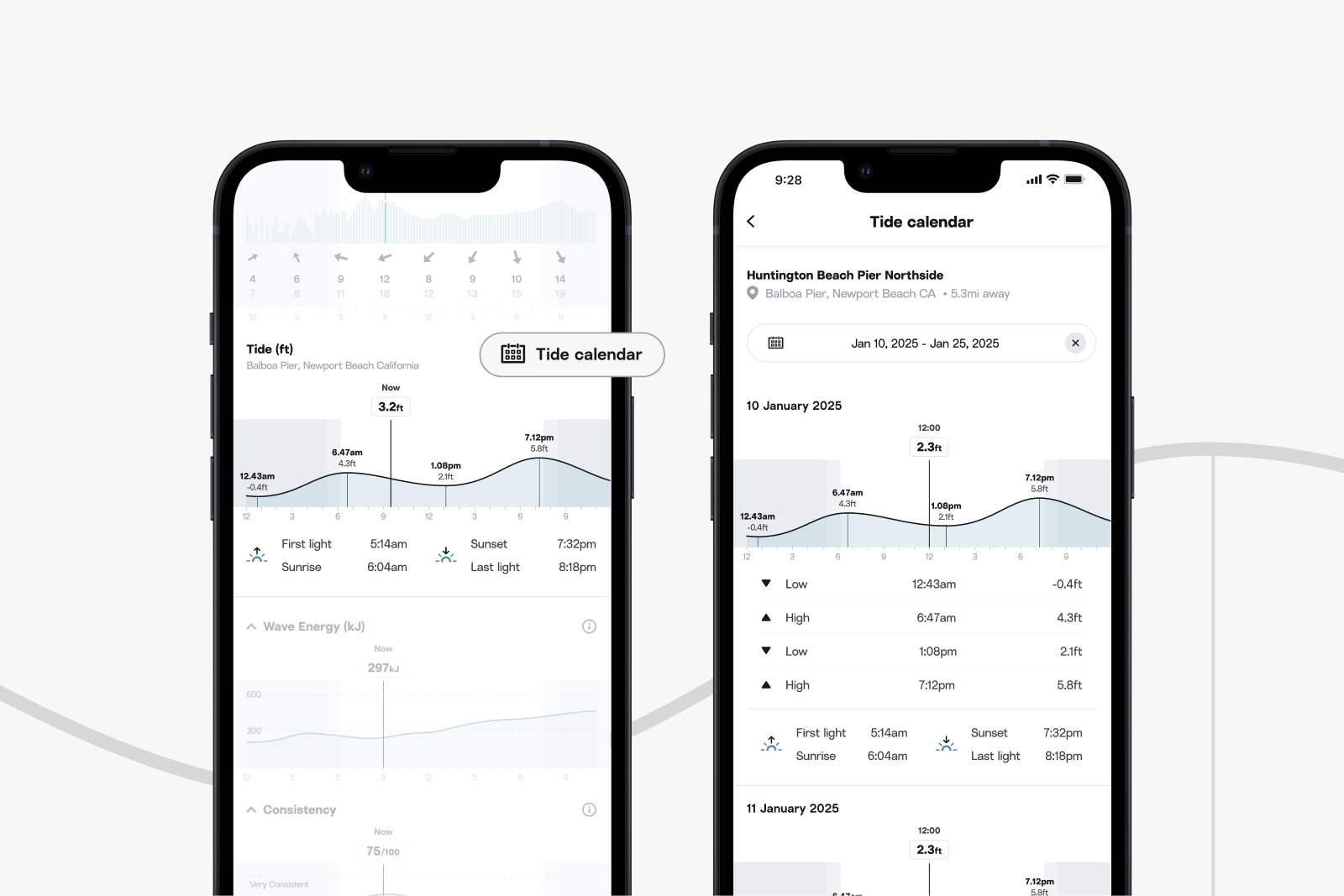
Get a glimpse into the future, or look into the past, by clicking “Tide calendar” above the tide report.
What's next?
A couple more tide updates, coming very, very soon:
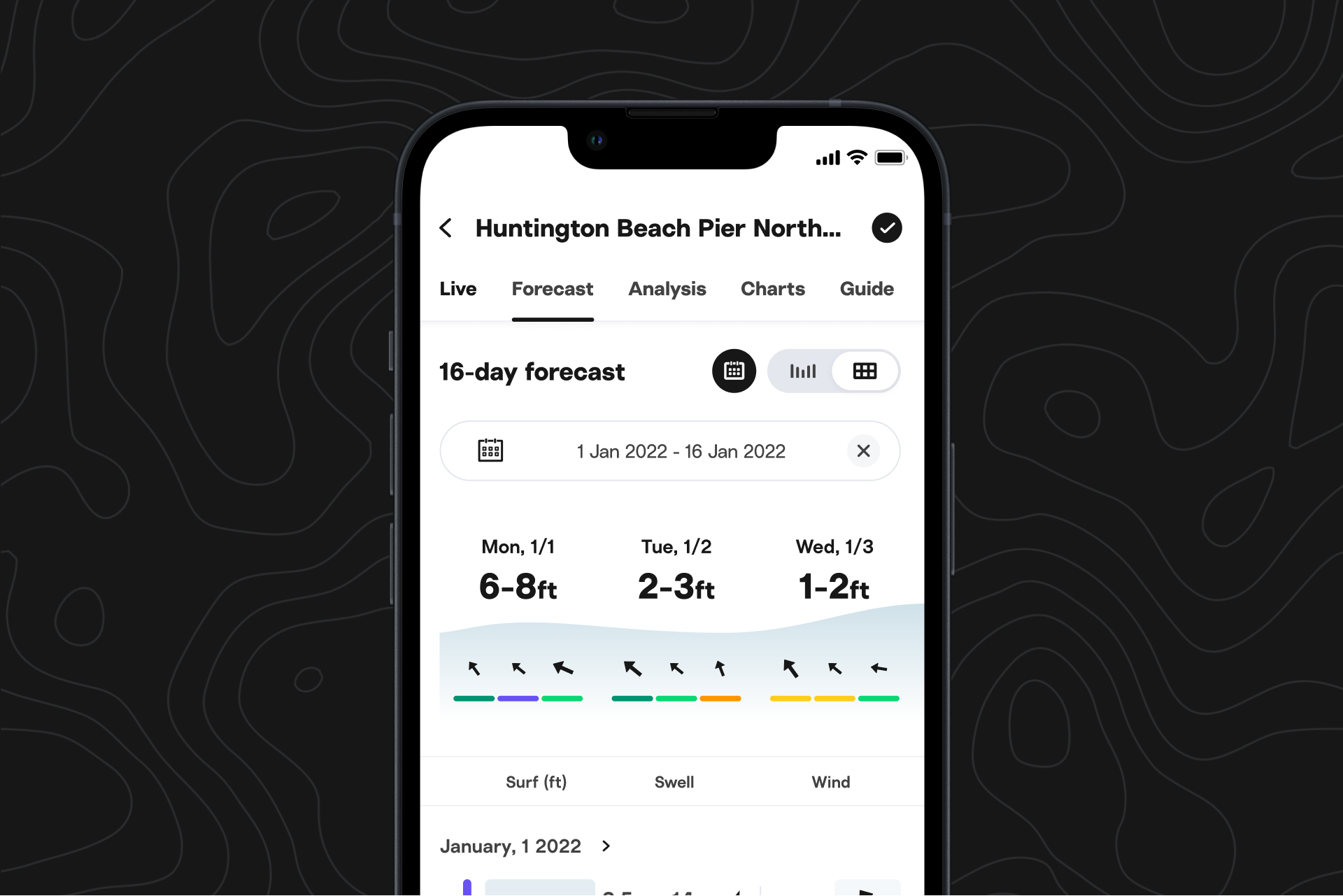
- We are updating the table view version of the forecast to make it easier to reference tide data. As a reminder, you can toggle between the two versions of the forecast at the top of the forecast page at any spot.
- Your fancy new iOS Home Screen tide widget will have a friend—a fancy new Lock Screen widget.
Android updates
Tide in table view
In addition to a tidied-up tide snapshot, and a tide calendar, we have updated the table view version of the forecast to make it easier to reference tide data. As a reminder, you can toggle between the two versions of the forecast at the top of the forecast page at any spot.
What's next?
You will soon be able to pinch to zoom in on all cams, helping you see spots or surfers more clearly, focus on the peak, or figure out exactly what sort of aquatic creature just breached out the back.
Plus, Clips is coming soon to Android—really, we mean it.