.png)
.png)
.jpg)
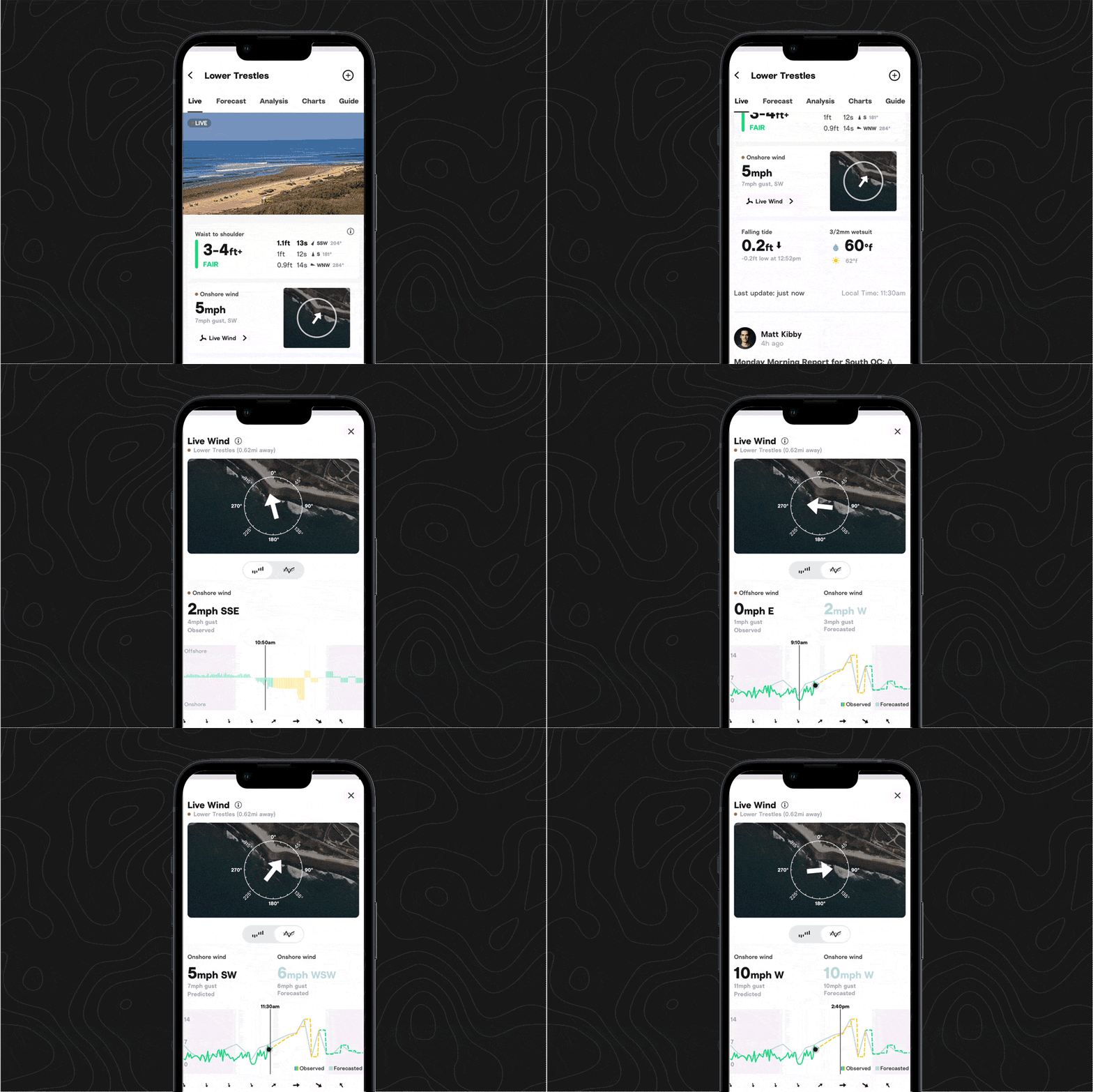
Share a live cam
- Convince your surf buddy to take an early lunch (or make them jealous) by sending them a link to the live cam.
- Find the share icon in the upper right portion of the cam player window. On the app, tap the cam player and the share icon will appear.
Share a Cam Rewind
- Whether you want to prove to a friend that they did in fact burn you, share a great wave (maybe even a great shared wave), or commiserate that you should definitely have been there yesterday, you can now send an exact point in time on the Cam Rewind.
- They’ll get a link that takes them straight to your selected time.
- Find it in the same spot as the live cam player.
Share a spot guide
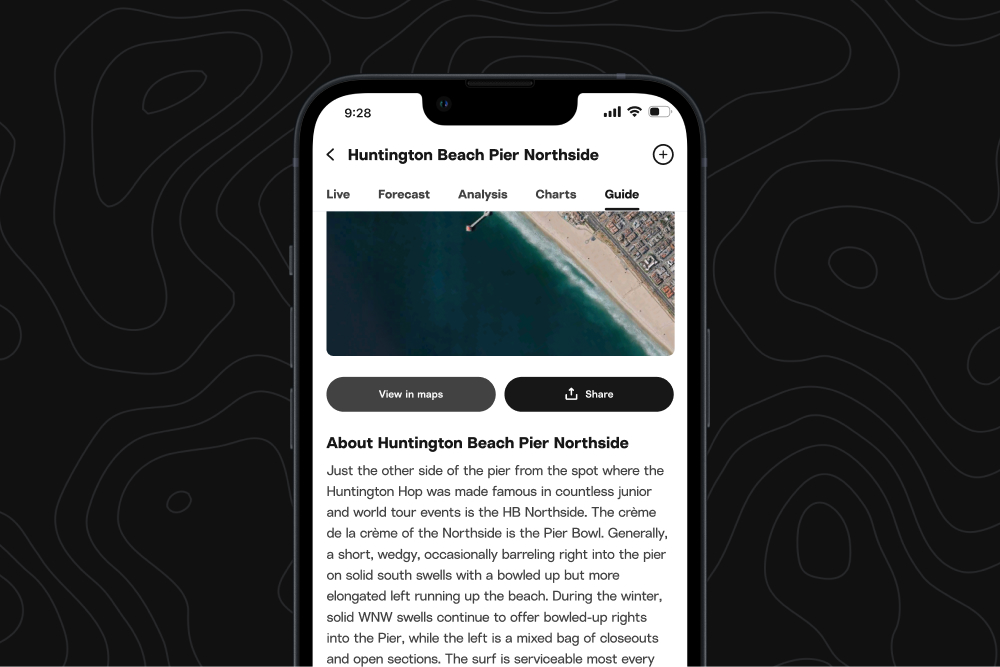
- Suss out ideal conditions for a spot with your crew, explain to a friend why you’d rather paddle out at low tide, or get that proposed surf trip out of the group chat by sharing Spot Guides.
- You can’t miss it—click on the “Guide” tab, find the share button right under the photo, next to the “View in maps” button.
What's next
Cams and Spot Guides are only the beginning for sharing. Keep an eye out for the share icon popping up on more features throughout the app.