.png)
.png)
Now, you can track all your sessions without a smartwatch. These sessions keep a record of ocean conditions from the time you surfed, plus your own notes, and your total water time added to your Progress graph.
How to log a surf:
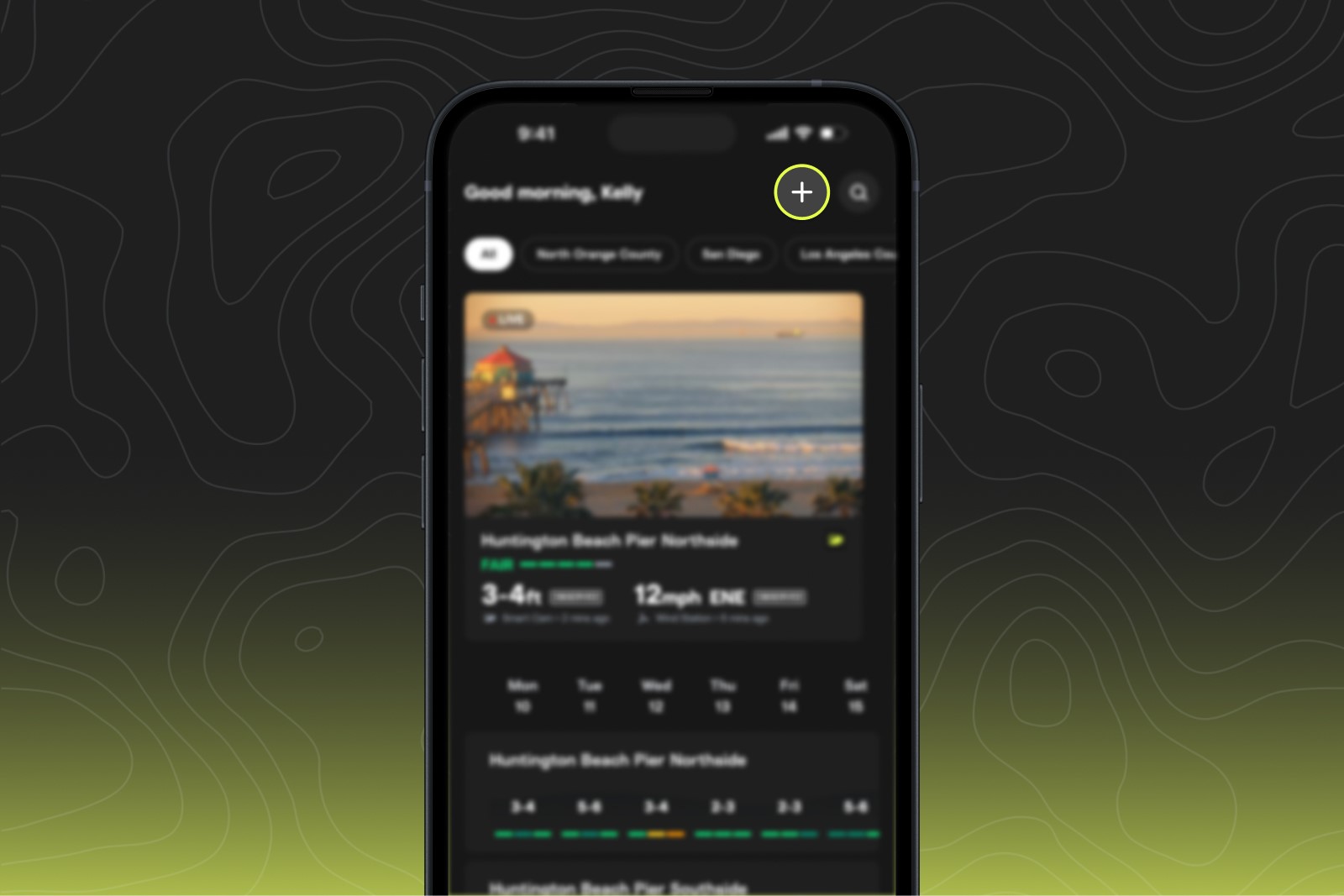
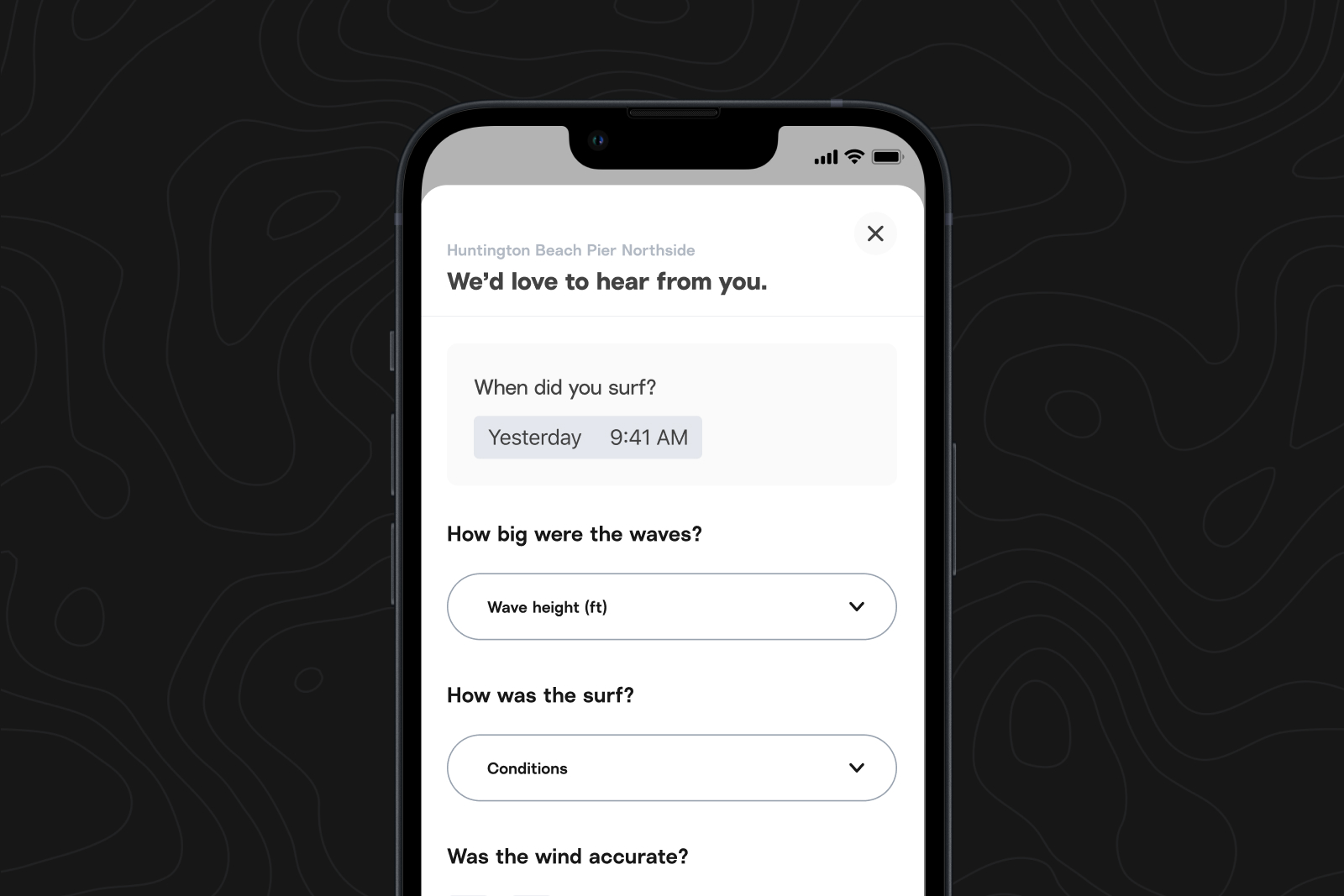
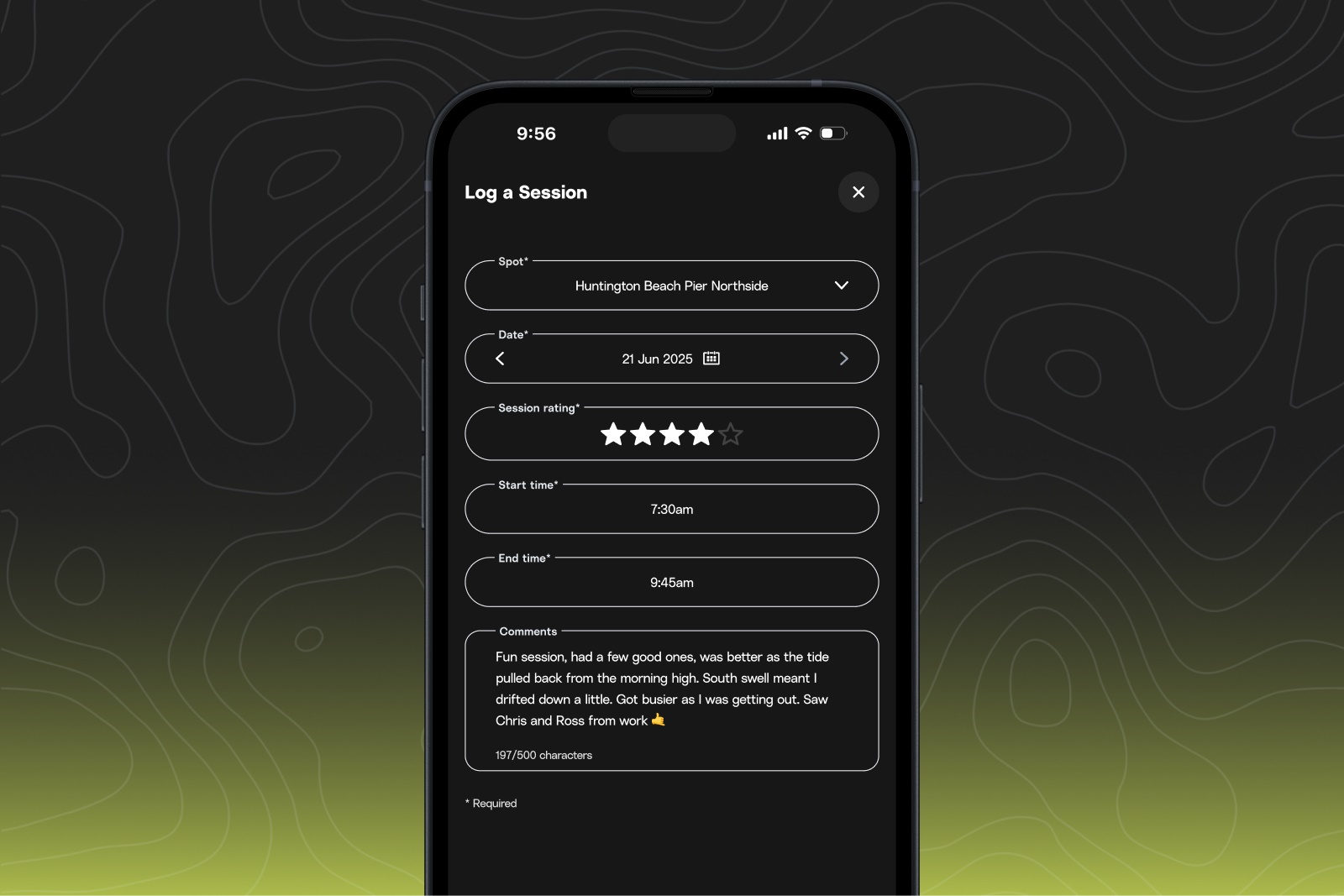
After you surf, open your iOS app and hit the '+' button on the upper right corner of Home or in the Sessions tab to record:
- Where and what date you surfed
- Your rating of the session from 1-5 stars
- Start and end time
- Your notes describing what the waves were like, specific waves you caught, who you surfed with, animals you saw, etc.
What you get from your logged sessions:
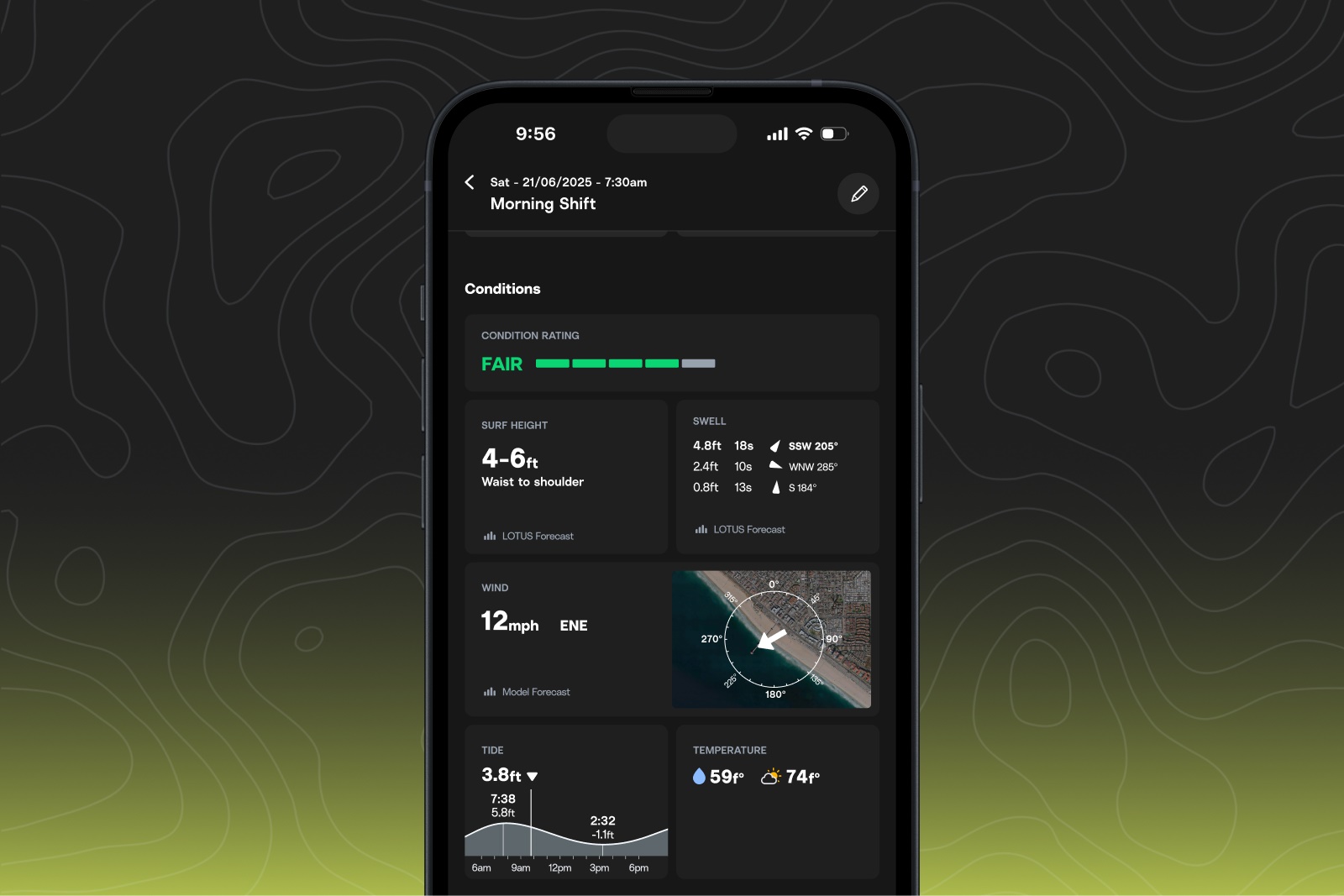
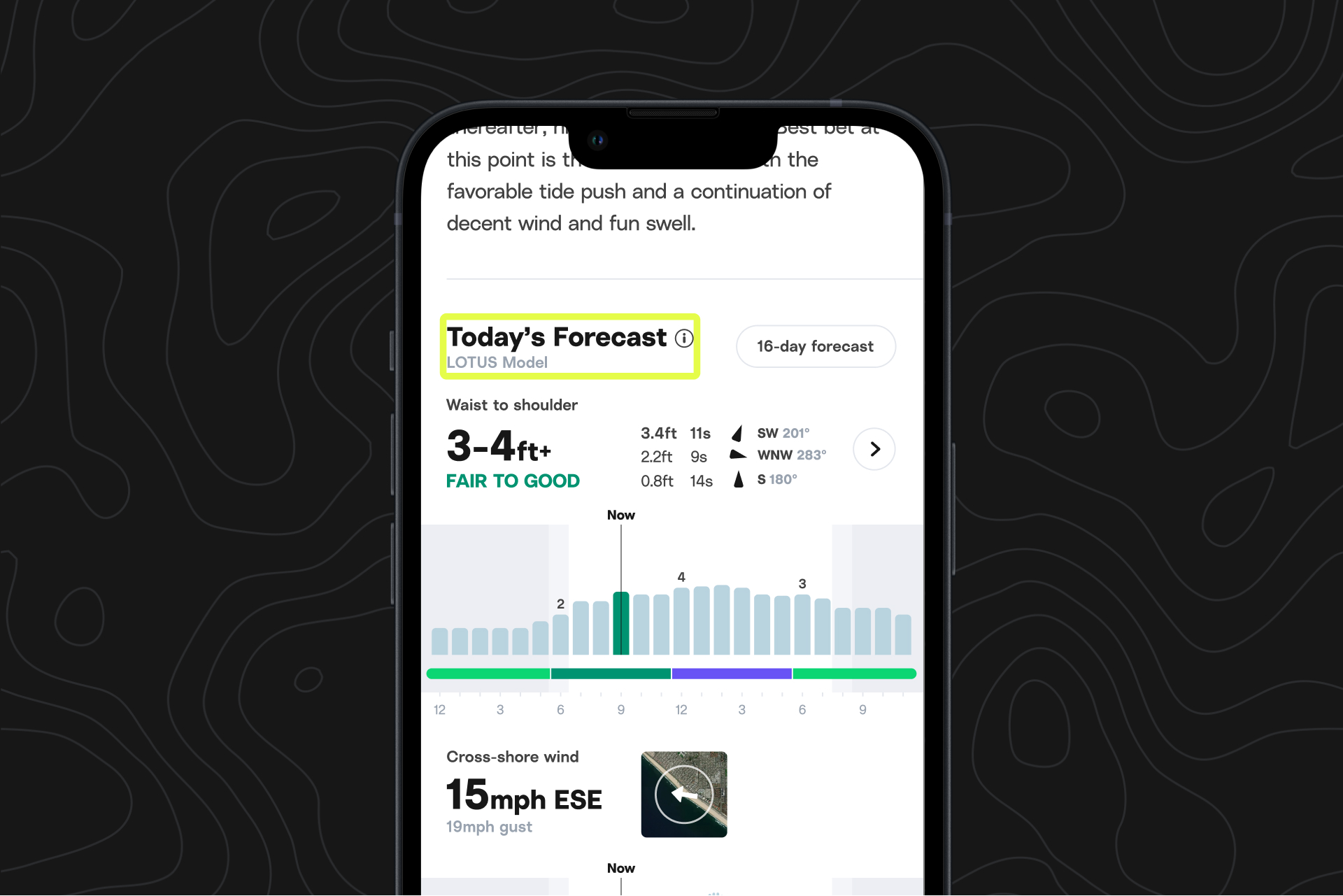
- Review conditions from when you surfed (condition rating, wave height, swell, wind), so you can be on the lookout for days that look similar.
- Review your notes and personal ratings to compare, reflect, analyze, or track progress
- Keep track of how frequently you surf and how long you spend in the water, shown on graphs in the Progress tab
- Share your progress and stats with friends
What's next:
Over the next few months, you’ll see more ways to use Sessions—helping you find forecast conditions you prefer, progressing your surfing, keeping track of what it was like and who you were with during your best surfs—and we’re looking for your input.
Never used Sessions? Now’s a great time to try it out. Head to the Sessions tab in the iOS app to get started.
Already a Sessions user? Send us your feedback and ideas of what you’d like out of it as we refine our plans, at [email protected].
Other updates:
The next 40 years start now.
Over the last four decades, our goal has been the same: helping you score that wave and find that feeling. We're committed to that goal, and to protect the thing that started it all. Learn more about our commitments and where we're going next.