.png)
.png)
Sessions updates, more details on the Home Screen
We’ve launched a revamped Sessions app for Apple Watch, an update to Sessions that allows you to delete a wave, plus more ways to discover spots and get a better look into days to watch in the forecast, straight from your Home Screen.
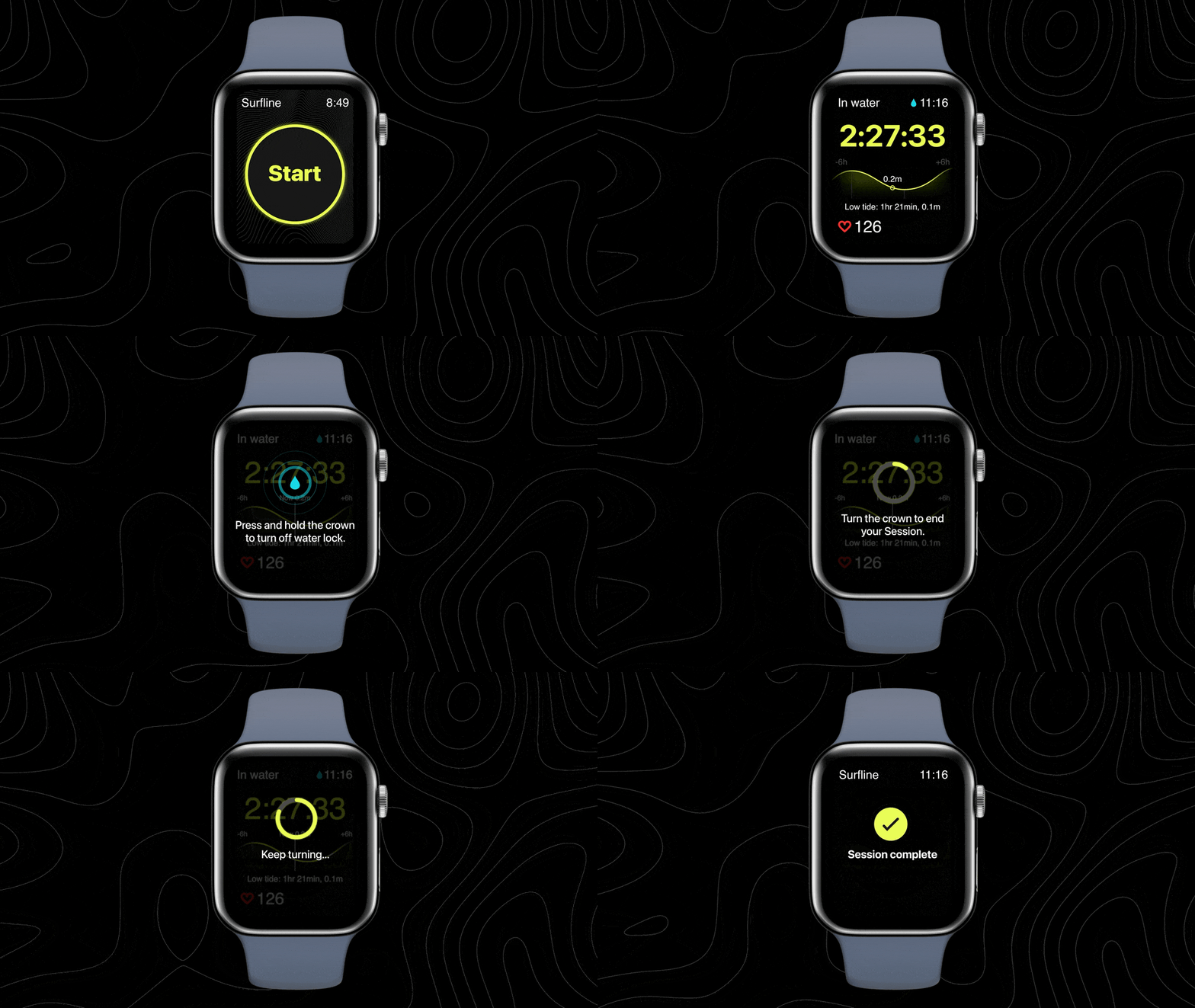
The new Sessions app for Apple Watch is here
Enjoy improved stability, an updated look, and usability enhancements like Digital Crown for ending Sessions.
Delete the waves you’d like to forget from your Sessions
Not every Sessions clip is one for the books—whether you fell, got burned (or burned someone), did that weird thing with your arms again, or the cam caught a false positive.
Now, you can open a Session in the iOS app, click edit, select a wave you want to delete, and tap the (-) button to say goodbye, removing both the clip and the stat from your Session.
All the details, right there on the Home Screen
We’ve added more ways to discover new spots and get a closer look into which days to watch for the next week.
How to find more spots (and cams) in your go-to areas:
- On the home screen, select your region
- Tap the "[Region] Spots" below the cam carousel
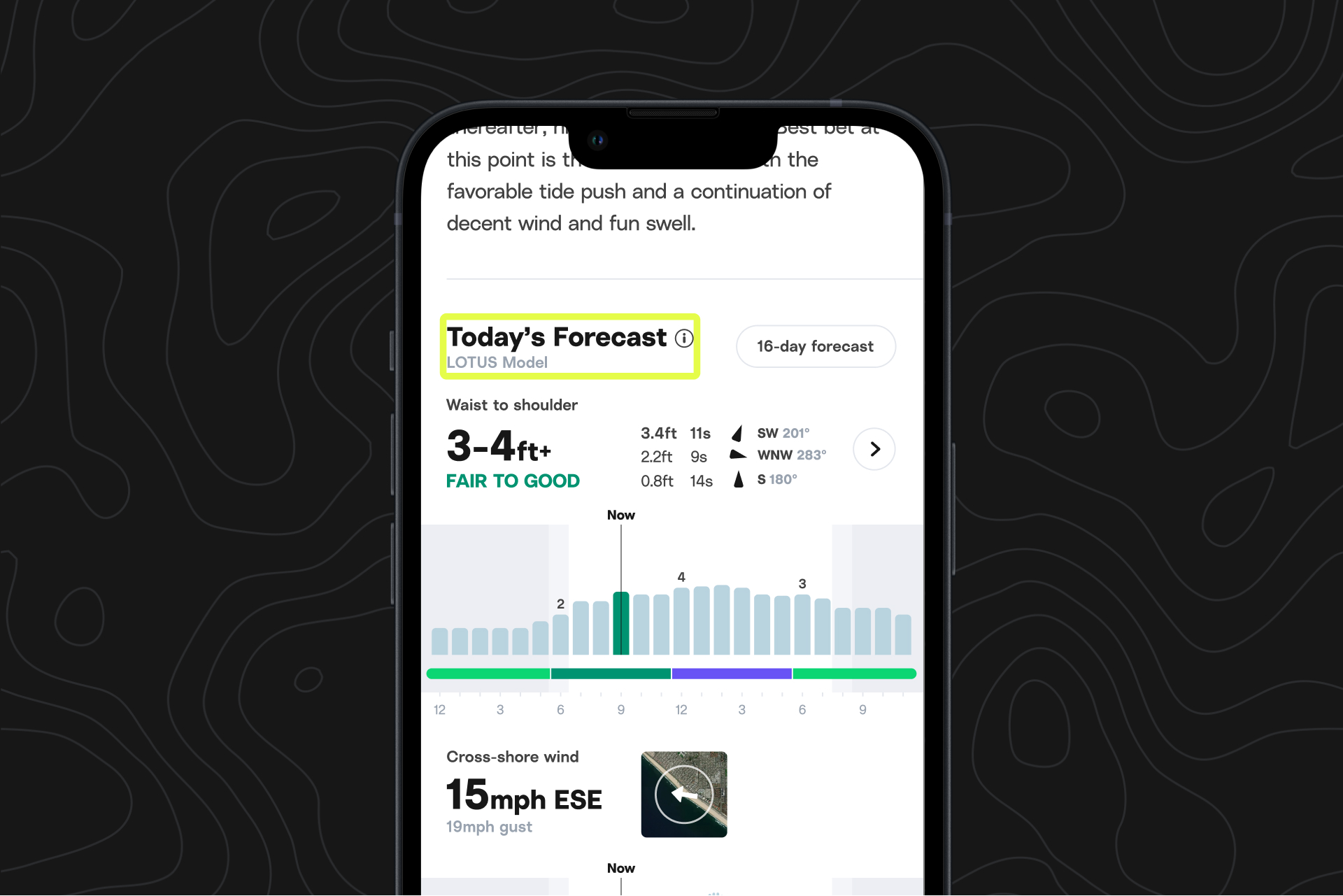
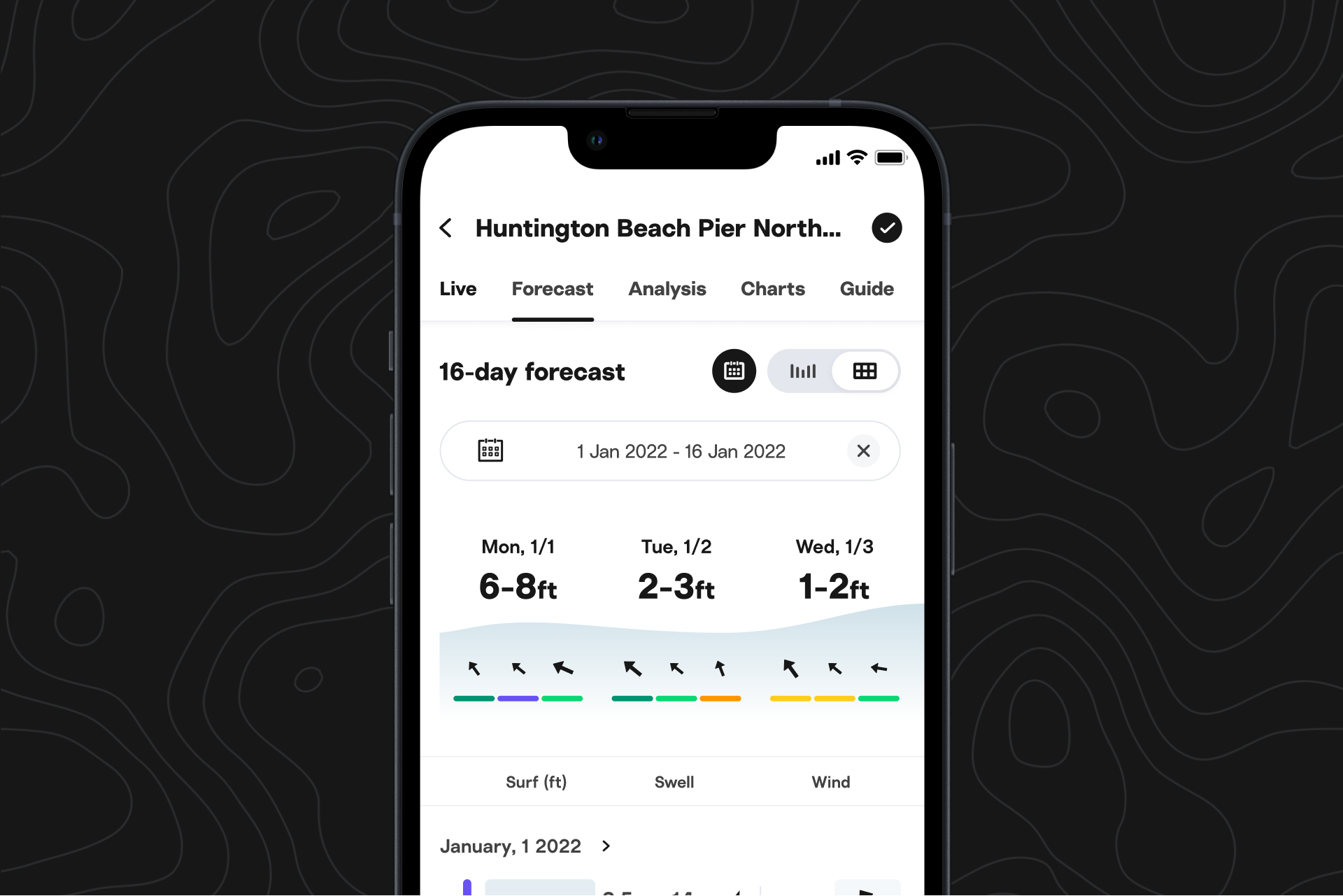
How to view summaries of days we’re watching:
- Select your region from the home screen
- Scroll past the cam carousel to view a quick summary of days to watch in the next week
- For more details about each day or more days to watch in the next 16 days, hit the expand icon